

This is how fast is Thunderbolt 5: the cable that will make obsolete everything you use
The Thunderbolt 5 standard allows file transmission speeds much higher than those offered by other cables such as USB
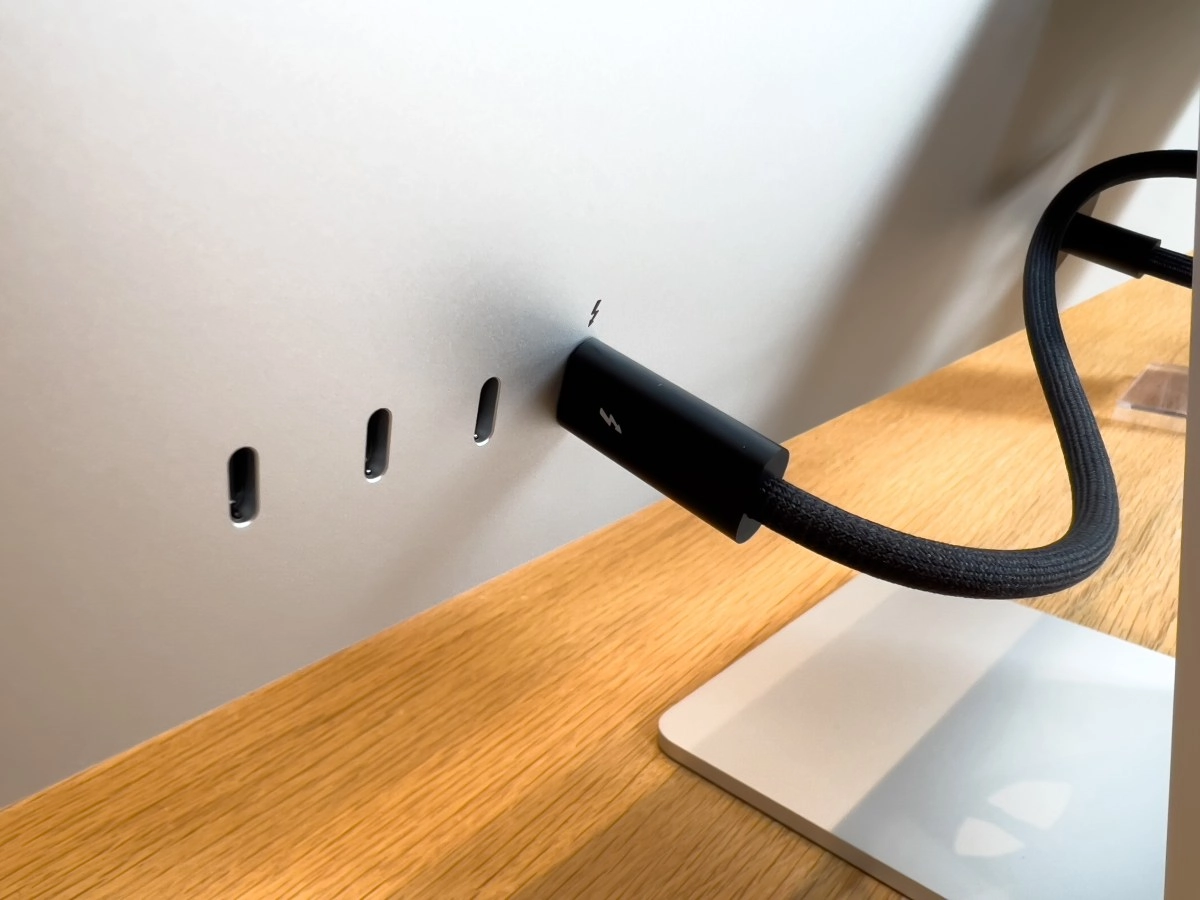

Thunderbolt 5 is a new type of port and cable that allows you to transfer data, charge devices and connect displays at speeds much higher than those offered by traditional USB cables. Although it physically looks the same as a USB-C, what's inside is very different.
This new standard can move data at 80 gigabits per second, and in special situations, even go up to 120 gigabits per second. In other words, if a 4K movie used to take a minute to transfer from an external drive to your computer, now it could take less than half that. This is ideal for people who edit video, work with very large files, or simply want the best speed.
In addition, Thunderbolt 5 allows you to charge more powerful laptops thanks to the support of up to 240 watts of power, while regular cables fall below that. And when connecting displays, you can use two 8K monitors at the same time, or up to three in 4K quality without losing fluidity.
How is it different from newer USB cables?
Compared to newer USB cables, such as USB 4 version 2, Thunderbolt 5 has clear advantages:
In short, while USB is still useful for most tasks, Thunderbolt 5 is clearly better for those who need more speed, better video, and more power.
What benefits does Thunderbolt 5 offer in everyday life?
Speed ????like never before
With Thunderbolt 5, you can use external hard drives that perform as fast as if they were inside your computer. This is great for video editors, photographers, or anyone who works with large files. You can transfer 120GB in less than a minute, something impossible with regular cables.
Fewer cables, more order
This new type of cable lets you do many things with a single connection: charge your laptop, connect monitors, and move data. So instead of having several different cables, you only need one. And the best part is that it works with older equipment because it's backward compatible.
Ideal for offices or content creators
If you work with multiple monitors, printers, external drives, and other accessories, Thunderbolt 5 lets you connect all of that without slowing down your computer. Plus, if you use a powerful laptop for editing or gaming, this type of connection can give you much smoother performance.
Simply put, Thunderbolt 5 is an improvement that's not just noticeable in the numbers, but also in the day-to-day experience. While not everyone needs it, those looking for speed, simplicity, and power will appreciate it.