

How good an idea is it to use your laptop's touch screen?
Beyond the marketing there are simple tricks to use the touch, keep the image sharp and protect the panel in the long term.
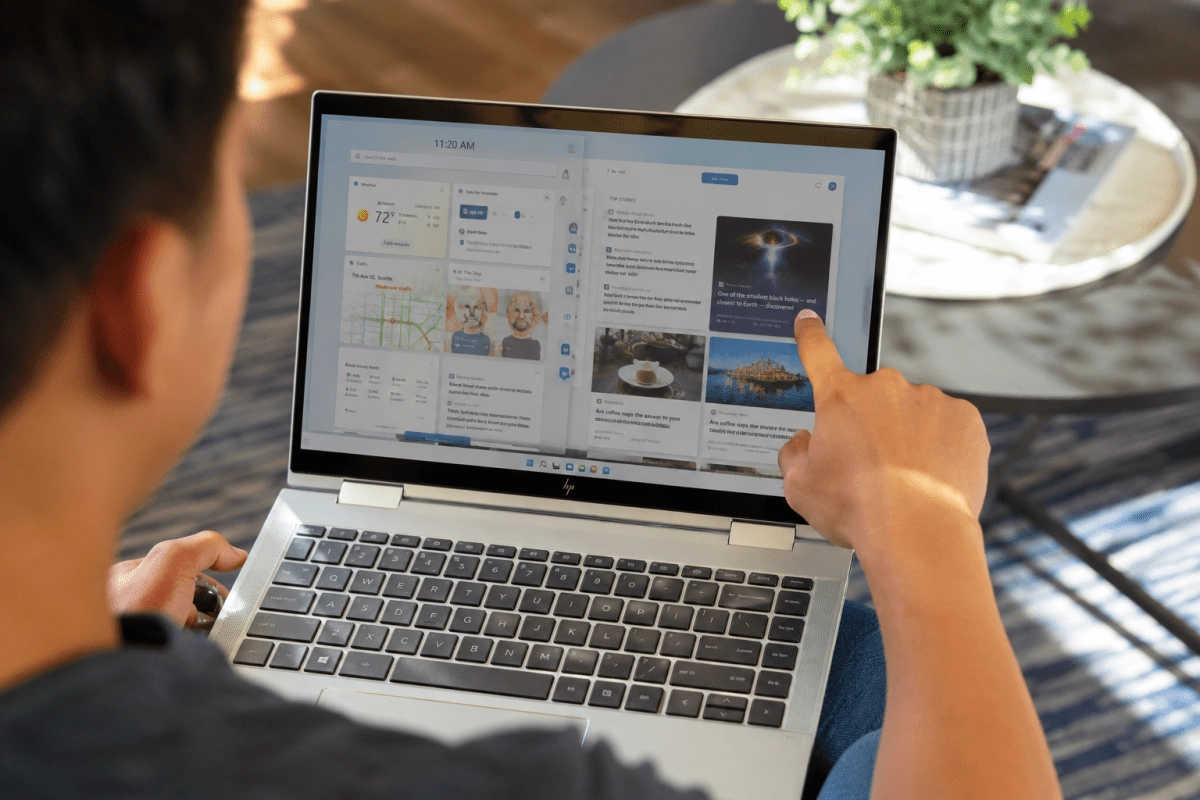

Using the touch screen of your laptop is neither a “great idea” nor a technological sacrilege, it is one more tool that you can take advantage of if you understand its advantages, its limits and how to take care of it both in LED panels and in the more delicate and expensive OLED ones.
Touch screen on laptops intelligent use and without paranoia
Today almost any premium, hybrid or 2-in-1 ultrabook comes with a touch screen and the temptation to touch everything as if it were a smartphone is real. The interesting thing is that the panel is designed for that: the front glass and the digitizer are designed to withstand constant touches, gestures and slides without dying in the attempt. The problem appears when we confuse “tactile” with “indestructible.”
In everyday life, the touch screen provides very clear things: navigate, zoom on maps, sign documents, draw with a stylus in meetings or edit photos in a more natural way. All of this can be done without fear as long as your fingers are clean, you don't use nails as if they were improvised stylus, and you avoid that habit of hitting the screen when something "doesn't respond."
Panel technologies make nuances. In a typical LCD/LED the front glass takes the majority of bumps and scratches, while in laptop OLEDs, although they also have glass, you have an image that is more sensitive to burn-in and extreme brightness changes. Translated into practice, it is not about stopping touching the screen but rather combining good touch use with responsible brightness settings and static content so that that very expensive panel continues to look perfect.
LED vs OLED when your fingers come into play
LED displays (actually LED-backlit LCDs) are the standard on most mid-range laptops. Their advantage is clear: they are more tolerant of intensive use, being widespread and with years of maturity in design and coatings. If you touch them for scrolling, multi-touch gestures or occasional signatures, the real risk comes more from improper cleaning than from touch use as such.
In OLEDs the scenario changes. You gain deep blacks, brutal contrast, and colors that look like they came from a store demo, but the panel is more sensitive to:
That doesn't mean you have to promise never to touch your OLED screen, but understand that your finger is not the enemy, poorly applied alcohol, paper towels, and the maximum brightness combo plus static interfaces are. If you combine sensible touch usage with smart brightness adjustments and gentle cleanings, your screen will continue to look great for years.
Cleaning and care what is and what is definitely not
The least sexy but most important part of the debate is cleanliness. Here the manufacturers and technical services agree quite a bit on the protocol.
What can turn your screen into a repair project:
An underrated trick is the screen protector. Many manufacturers and technicians recommend it as an extra layer against scratches, light bumps and dirt without compromising touch sensitivity. On laptops with OLED it is almost mandatory if you worry about every finger mark as if it were a dead pixel.
In the end, your relationship with the screen comes down to this: touch to use, clean with care, avoid wild chemicals and respect the panel you have. You don't need to live in fear or embrace the idea of never touching the screen, especially if the manufacturer itself sells you the equipment as a touch tool.