

How to use your iPhone as a power bank in case of emergency
If necessary, you can use your iPhone as a power bank. Here how to do it.
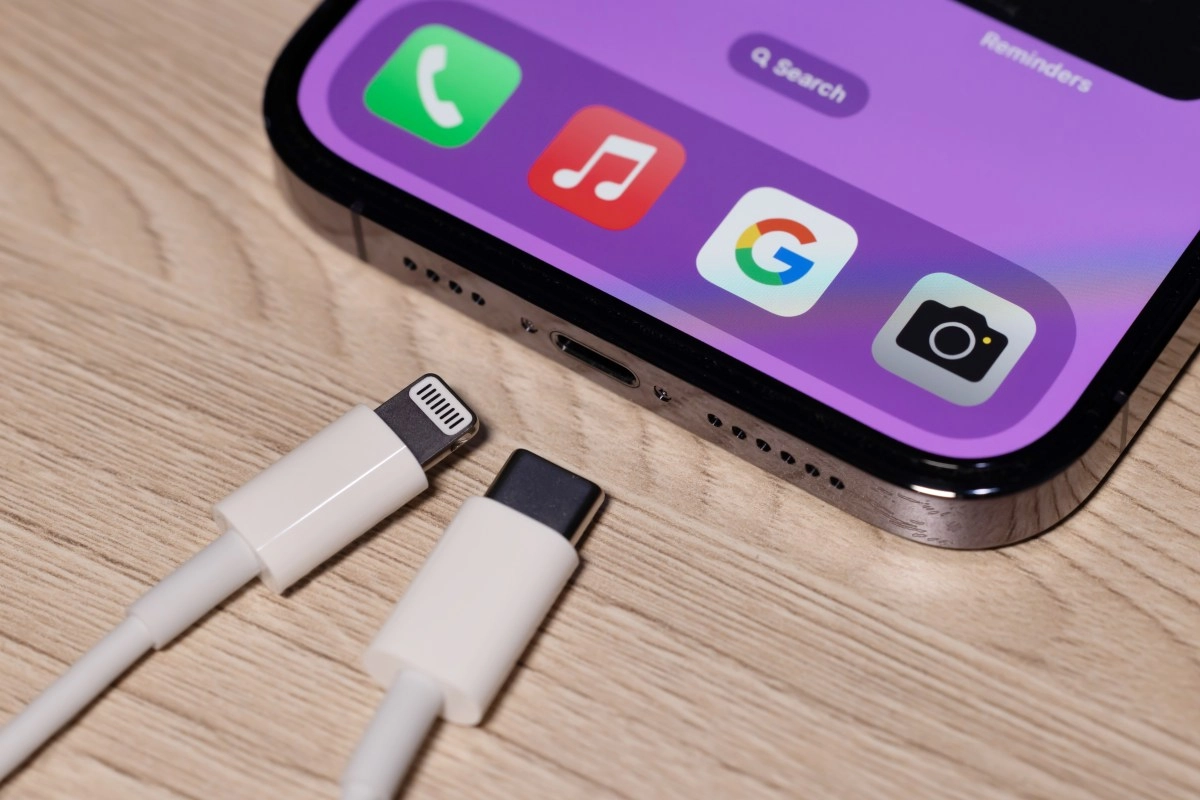

In critical situations like when you're away from home and all your devices are about to shut down your iPhone can become a true portable power source. Starting with iPhone 15, Apple added reverse charging via USB-C, allowing you to use your iPhone to charge other gadgets like an Apple Watch, AirPods, or even another iPhone. This capability can be a lifesaver when you don’t have a traditional charger or external battery pack handy.
While it’s not the same as a dedicated power bank the charging speed is modest (up to 4.5W) it’s very useful for emergencies or occasional charges. If you need to power up a low-battery iPhone, while rushing between meetings or exploring remote locations, this “resourceful” yet casual option can make all the difference.
What you need to try this feature yourself
To use your iPhone as a power bank, you only need three essential items:
Once you have that, plug one end of the cable into the USB-C port on your charging iPhone and the other into the device that needs power. If there's a charge available, your iPhone will begin pushing power at up to 4.5W. Sure, it's a slow speed, but it's enough to add valuable minutes in an emergency.
Helpful Tips and Informal Precautions
For starters, keep in mind that charging another device drains your iPhone's battery much faster than you might imagine. If you're at 50% and decide to charge your Apple Watch, that charge could disappear in a pinch. So use it as a last resort, not as a routine.
Another tip: try charging with quality cables. Official or certified cables work best. On the other hand, cheap or dubious brand cables can cause failures, although with USB-C this risk is lower than with Lightning. Still, it's not a bad idea to have a decent one on hand.
Finally, if you need more power, options like MagSafe or multi-device charging pads can come in handy. Apple and third parties sell MagSafe chargers that allow you to charge multiple iPhones or AirPods at the same time (up to 15W per device),Although it’s not reverse charging, it’s more of a traditional wireless charger. Still, in an emergency, the iPhone’s USB-C reverse charging is more practical because it only requires the appropriate cable and another device.
Although it’s not a real power bank, this reverse charging feature on the iPhone 15 or later is a clever, casual trick that turns your iPhone into an even more versatile device. Just remember to bring the right cable, use it wisely, and keep your battery as high as possible… because now you’re not just good for listening to music or sending messages, but also for saving your gadgets from minor power crises!