

The ultimate guide to cleaning your MacBook's screen and keyboard to make it look brand new
Keeping your MacBook clean will be a breeze if you follow these recommendations to the letter
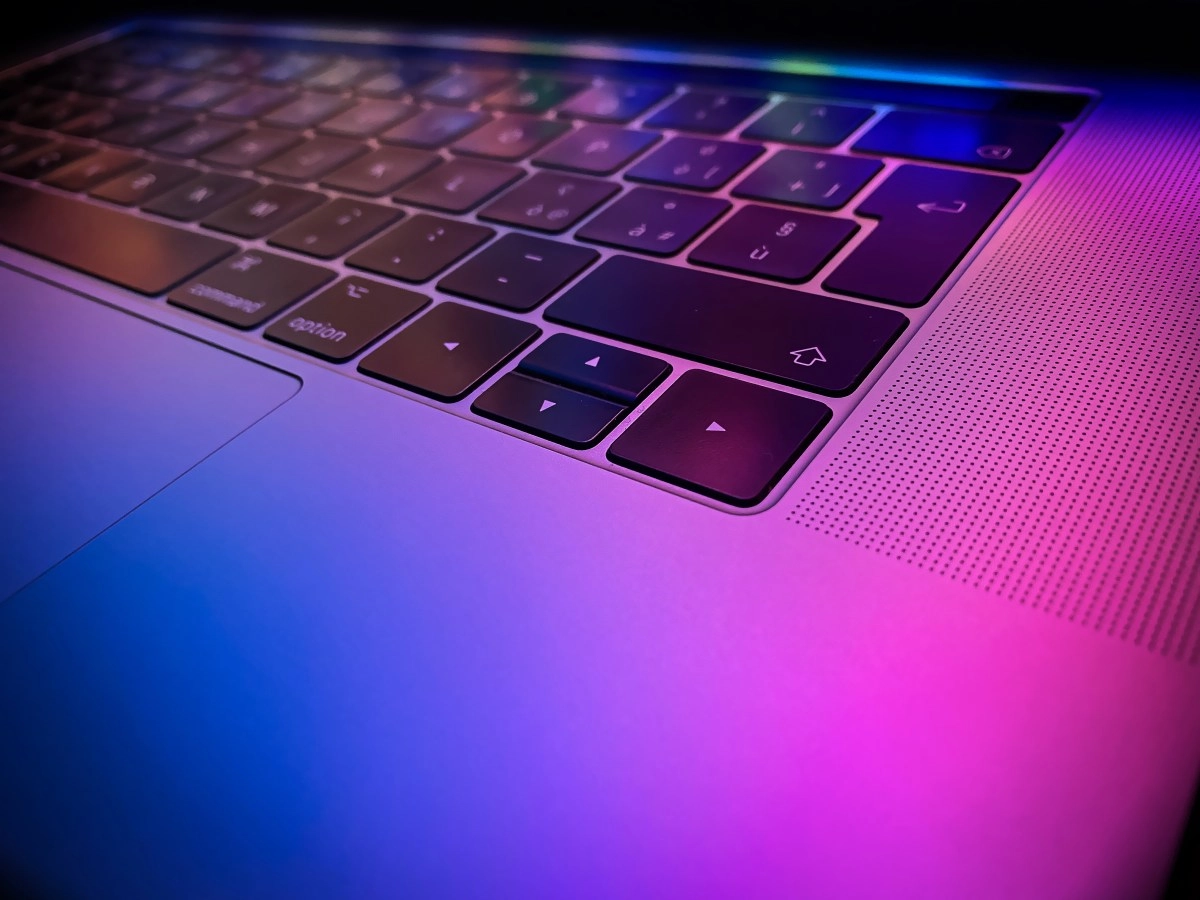

There's nothing like the feeling of opening your MacBook for the first time. That pristine brightness of the Retina display and the smooth touch of the keys are part of the Apple magic. But if you're like most people, your laptop probably looks more like a crime scene covered in fingerprints, dust, and stains of dubious origin than a high-end piece of engineering. Keeping your device clean isn't just about aesthetics; it's preventative maintenance. That's why it's essential to follow Apple's own protocols, as these allow you to restore that "fresh out of the box" look without taking unnecessary risks to your device. The golden rule: What NEVER to use on your screen. Before you pull out all the cleaning supplies you have under the sink, stop for a second. Your MacBook's screen is a delicate piece of technology coated with specific chemical treatments to reduce glare. This is where many users make the fatal mistake: treating it like it's the glass on the dining room table. Never, under any circumstances, use ordinary glass cleaners, household sprays, solvents, ammonia, or any product containing hydrogen peroxide. The use of these chemicals can be harsh on the panel and, even worse, can irreparably damage the screen's anti-reflective coating. Have you heard of "Staingate"? It's that awful effect where the screen appears to have permanent stains that won't come off; it's often caused by the use of abrasive chemicals like acetone. Also, forget about paper napkins or rough towels. Although they may seem harmless, their fibers are hard enough to create micro-scratches on your screen's glossy surface. The only tool that should touch your display is a high-quality, soft, lint-free microfiber cloth. The foolproof method for a glass screen: Now that we know what to avoid, let's move on to the safe process. The number one recommendation, and the one you'll see used even in Apple Stores worldwide,It's about opting for specific and safe products like the WHOOSH Screen Shine cleaning kit. This product uses a formula of mild detergents and distilled water, free of the harmful chemicals that Apple prohibits.
For a perfect clean, follow this sacred ritual:
The result should be immediate: a screen free of marks and fingerprints that looks practically new.
Immaculate Keyboard: The Secret of the 75 Degrees and the Lock
The keyboard is the other major casualty of daily use. The grease from our fingers is not only unsightly, but over time it can wear down the finish of the keys and, if dirt accumulates underneath, cause the mechanisms to fail (especially in older models with butterfly mechanisms).youtube
To clean it properly, the compressed air technique is your best ally. Apple recommends holding the MacBook at a 75-degree angle (almost vertical, but not quite) and spraying compressed air onto the keyboard in a left-to-right motion. Next, turn your laptop on its right and left sides, repeating the process. This helps to dislodge any stubborn crumbs or dust trapped under the keys.
Once dust-free, it's time to clean the surface of the keys. Here's where a classic problem arises: how do you clean them without pressing a thousand keys at once and messing with the system? You have two options: turn off your computer completely or, my favorite for quick cleanups, use a dedicated application. Free tools like “KeyboardCleanTool” or the fun “CleanupBuddy” are essential. These apps temporarily block keyboard input, allowing you to wipe the keys with a microfiber cloth freely and safely, without fear of deleting files or sending unintelligible messages on Slack.
Remember: consistency is key. The more frequently you perform this maintenance, the less effort it will take each time, and the better your computer's resale value will be preserved. Your MacBook will thank you!