
You probably check updates on your phone or laptop quite frequently, especially when you see something slow or unsafe. However, very few people know that their router also needs to be updated and that leaving it abandoned can make it the perfect gateway for hackers, malware and all kinds of problems on your WiFi network.
Your router is not a dumb box and you should update it
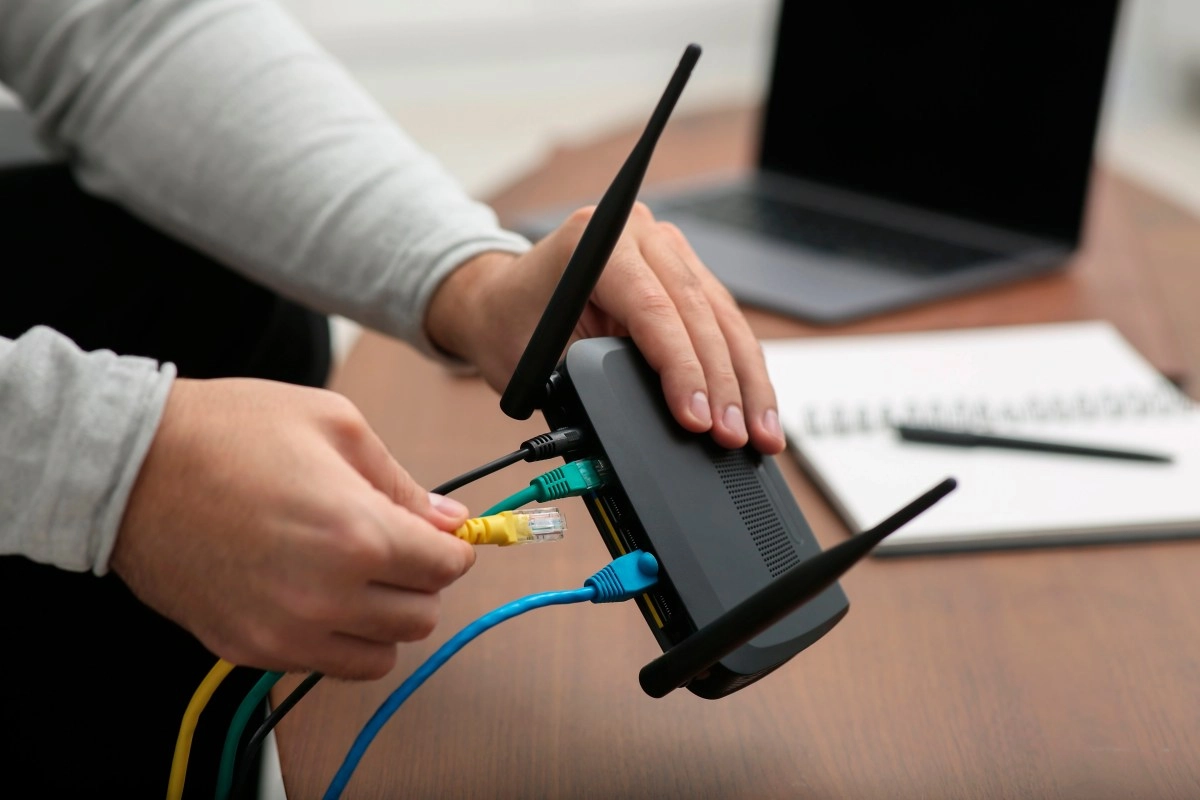
That little device full of lights that you have in the corner of the furniture is not just plastic with antennas. Inside runs special software called firmware, something like the router's operating system that tells it how to handle traffic, how to authenticate with your devices, and how to protect your network.
Router brands release new firmware versions to patch security vulnerabilities, correct bugs and improve connection stability. When you don't install those updates, your router is left with known holes that attackers already have mapped and ready to exploit.
Additionally, many updates add performance and compatibility improvements. That is, they can give you more stable WiFi, better management of many devices connected at the same time, and support for newer technologies that your smartphone or video game console may bring.
The detail is that routers are victims of their own success. They run silently in the background, so we forget about them. Meanwhile, cybercriminals have them in their sights because they control your entire network and, if they manage to compromise them, they can spy on your traffic, redirect you to fake pages or use your computer as part of a botnet in massive attacks.
Why updating your router firmware matters
Updating the firmware is not an optional “geek” gesture. It's a basic digital hygiene measure, comparable to updating your phone's system or installing security patches on your computer.
When your router is left with old firmware, several unpleasant things happen.
On the plus side, when you install recent firmware versions you gain several things at once. For example, security patches that close critical flaws, improvements in how the router manages simultaneous connections and, in many cases, new functions such as better parental controls or advanced quality of service options to prioritize video games or video calls.
Another important point is the life cycle of the device. There comes a time when the manufacturer stops releasing new firmware for certain models. From there, even if you want it, that router no longer receives patches and becomes a permanent risk. In this scenario, the update is no longer enough and a replacement must be considered.
How to update your router without complicating your life
The good news is that upgrading your router sounds more intimidating than it really is. Most processes are quite similar between brands, with some variations in the menus.
A typical flow looks something like this
Many recent models even offer an option to automatically check for updates from the panel itself, which further simplifies the process because the router takes care of locating and downloading the correct firmware. Even so, it's still a good idea to check from time to time to make sure everything is up to date and that your team isn't stuck on an old version.
In short, keeping your router firmware updated is one of the easiest ways to strengthen the security of your WiFi, improve performance and extend the life of the device without needing to be a systems administrator or network expert. If you already take care of your phone and laptop updates, it makes sense to also include your router in that basic digital maintenance routine.