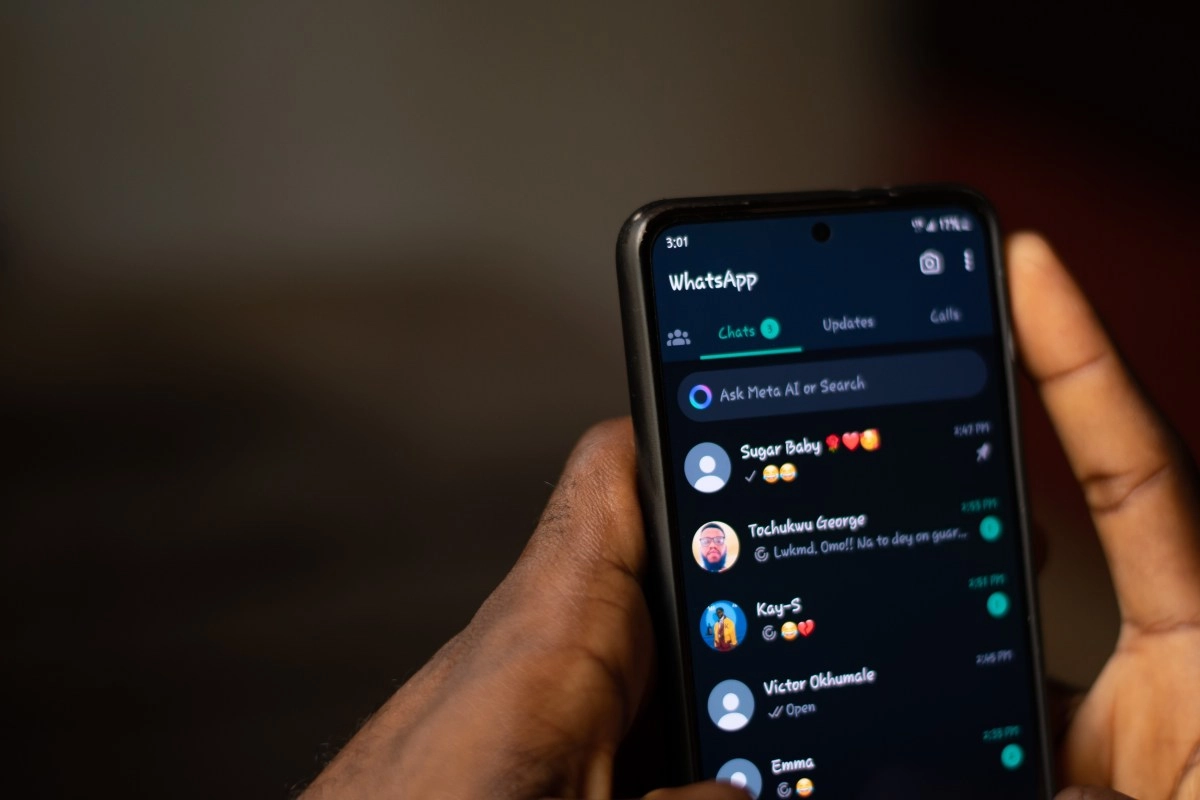

If you use stickers on WhatsApp every day, it's probably happened to you: you want to reply with the perfect sticker, but you end up wasting time among dozens of options. The good news is that WhatsApp now lets you organize your stickers into custom folders or packs, making it much easier to keep them handy.
Here's how to organize your stickers efficiently, either with the app's own tools or by using third-party apps for greater control.
How to organize stickers in WhatsApp step by step
Thanks to a recent update, WhatsApp now lets you group stickers into custom folders directly from the app. To do this, follow these steps:
This feature is ideal if you have a lot of stickers and want to keep collections like "Memes," "Reactions," "Work," or "Family" organized. This way, you won't waste time searching through a cluttered gallery.
Use third-party apps to create and organize stickers
If you're looking for more customization options, there are apps that let you design and manage stickers in more detail. One of the most popular is Sticker Maker, available on both Android and iOS.
With this app, you can create stickers from your own images, crop them, edit them, and organize them however you like. You can also design entire packs—for example, with photos of your pets, funny quotes, or internal memes—and then import them directly to WhatsApp.
Another very practical option is Canva, which offers templates for designing stickers from scratch. With its editing tools, you can add text, illustrations, and effects, achieving more elaborate visual results. Once finished, you can export them as images and upload them to WhatsApp using Sticker Maker or other compatible apps.
Tips to keep your stickers organized
Regardless of the tool you use, there are some tips that will help you keep your sticker collection organized:
Group them by category. Have separate packs for memes,Phrases, emojis, work stickers, or stickers from your friend groups make them much easier to find.
Use clear and descriptive names. Avoid generic titles like "My Pack" or "Miscellaneous." It's better to use names like "Reactions," "Office," or "Just Memes," which tell you exactly what they contain.
Clean up from time to time. Over time, some stickers become irrelevant. Deleting the ones you no longer use not only saves you space but also makes it easier to access the ones that really matter.
With these options, you can organize your WhatsApp stickers quickly and easily, improving your chatting experience. Whether from the app or with the help of external tools, having your stickers well-organized will save you time and make your conversations more fun.