
If you have already decided to join Apple Upgrade but you have a thousand questions running through your head, don't worry because here we will answer all the doubts that usually arise before signing the leasing contract. This program, operated by Klarna, allows you to pay low monthly payments for your favorite devices and change them whenever you want, so it's worth understanding the fine print before you jump in.
This is how signing up for Apple Upgrade works
To apply, you need to have your legal name, date of birth, telephone number, email address, billing address and social security number on hand, as well as a valid credit or debit card (prepaid cards do not apply). You must also be a resident of the United States, at least 18 years old or the age of majority in your state, and be able to receive verification codes via text message.
One of the best news is that the application does not affect your credit history, since Klarna does a “soft” credit check to approve you. So you can apply without fear of your score going down just for consulting.
What you can rent and how to adjust your monthly payment
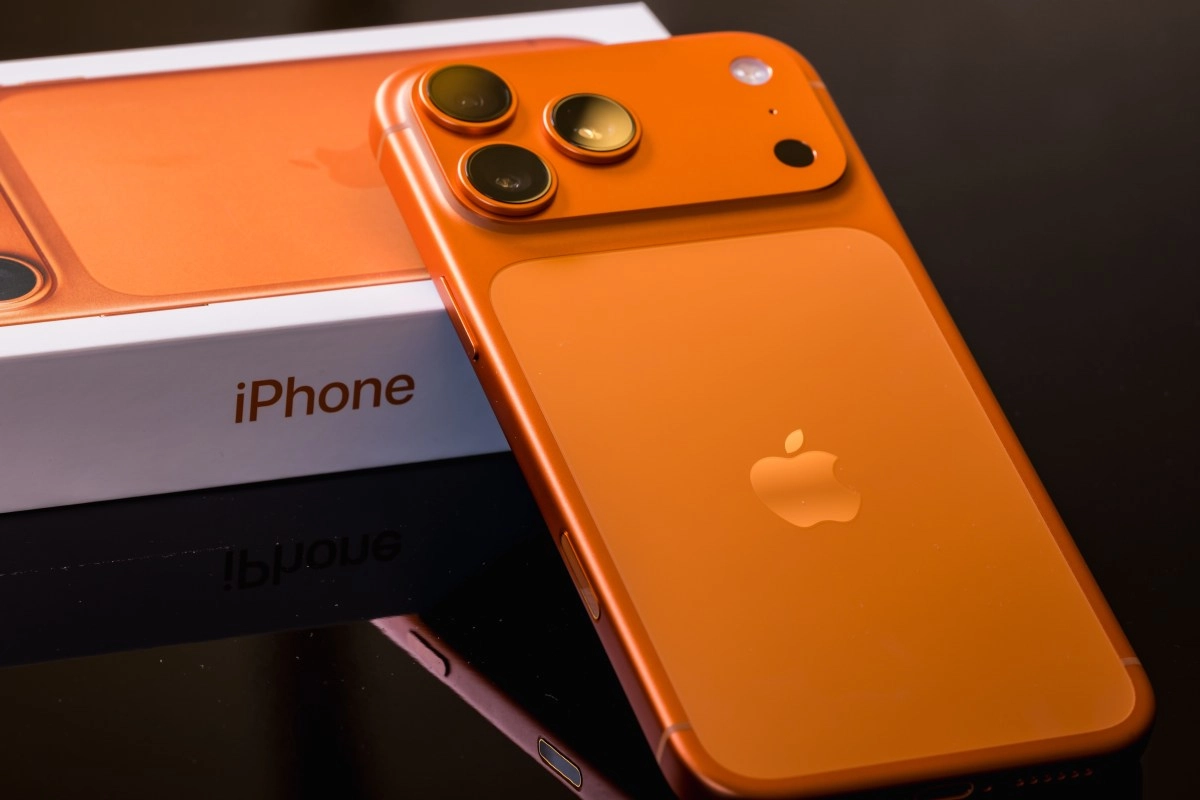
Apple Upgrade covers almost the entire current lineup, including iPhone (except iPhone 16), MacBook Air, MacBook Pro, iMac, Mac Studio, iPad Pro, iPad Air, iPad mini, Apple Watch Ultra, and Apple Watch Series 11. Yes, you can rent multiple devices at once, it's just that each requires its own application and its own separate leasing contract.
Something that surprises several users is that you cannot add an initial payment to reduce the monthly payment, so the amount you see on the screen is fixed from the start. What you can do is trade in a current device through Apple Trade In when you sign up, and that credit is distributed among all the payments in your initial period to make them lighter. Be careful because this benefit only applies to the first registration, not when you make a subsequent upgrade.
As for hidden costs, the good news is that there are no extra charges added to your monthly payment, although you may face a damage fee if the equipment does not return in good condition, or a fee for ending the contract early. And here's something key, AppleCare is not included in the lease as was the case with the old iPhone program, so if you want protection you will have to add it within the first 60 days and pay for it separately.
What happens when your leasing contract ends
If you bought online and chose to pick up your equipment in the store, it is best not to leave it forgotten, because if you do not pick it up within 7 days your lease is automatically canceled and you will be refunded any charges applied.
Apple is not going to let you know when the time to renew is approaching, the company notifies you as soon as you are eligible to update your device without paying an upgrade fee, although you can disable those notifications if you prefer to check your status manually in the app.
When you reach the end of the initial term you have three options available, you can upgrade to a new model by returning the current one, you can exit the program by returning the equipment, or you can buy it outright by paying the outstanding balance through Klarna. If you do not make any decision, the contract is extended month by month for up to six months, and be careful because during that period your payment may increase if you had trade-in credit applied.
Regarding the exact costs, updating at the end of the term has no fee, but doing so early means paying up to the equivalent of the remaining payments. Leaving the program on time doesn't cost anything extra either, but canceling early charges you a fee similar to the upgrade fee. And if you decide to keep the device, the purchase price is simply the list value minus what you already paid and minus any outstanding trade-in credits, plus taxes.