

WhatsApp: Why you can't see your contacts' photos and how to know if they hid you
If you can't see the profile picture of one of your WhatsApp contacts, it could be due to one of these reasons
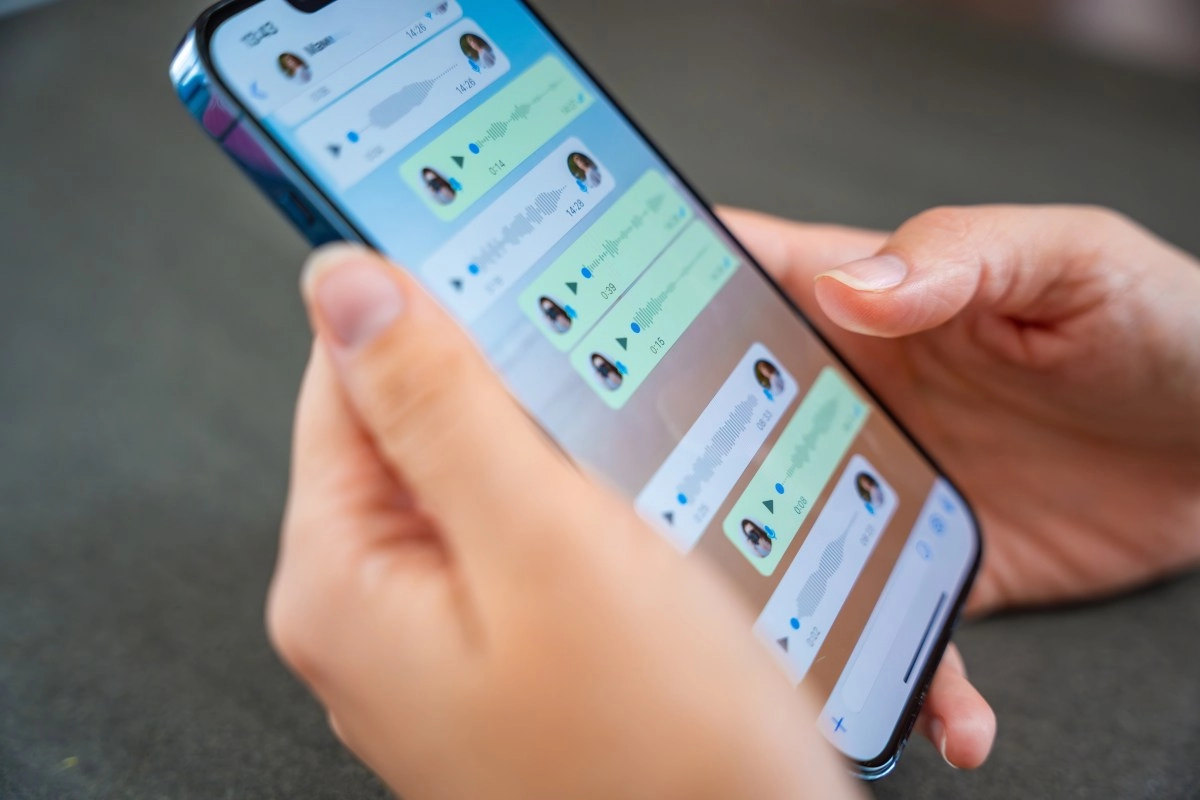

Sometimes WhatsApp doesn't show a contact's profile picture, and that can happen for several common reasons, ranging from privacy settings to technical details. The important thing is not to immediately assume the worst, because the fact that you don't see an image doesn't automatically mean there's a problem with you. Even so, it can be a useful clue to understanding what changed on the other person's account, on your phone, or in the app itself.
The first thing to understand is that the profile picture on WhatsApp doesn't work like a "public photo" in the style of other social networks. On WhatsApp, that image is linked to fairly strict visibility controls. This means that even if you have someone in your contact list, that person can decide whether their photo is visible to "Everyone," "My contacts," "My contacts except…," or "Nobody." In practice, this generates a lot of confusion because if you used to see the photo and now you don't, it could be that the person adjusted their privacy settings; if you never saw it, it could be that they don't have you saved in their contacts and their setting is "My contacts."
Privacy, contacts, and blocking: what's usually behind it
WhatsApp depends heavily on how phone numbers are stored. If the contact is saved incorrectly (for example, without the country code) or if the other person messaged you from a different number (dual SIM, new line, work number), you might be "left out" of their actual contact list, even if you have them saved. In that case, not seeing the photo is consistent with normal privacy settings and not necessarily indicative of malicious intent. There's also the more commonly discussed scenario of being blocked. When someone blocks you, WhatsApp usually hides their photo and limits other profile information. But it's important not to panic, because this is the detail people often overlook: not seeing the photo, by itself, doesn't confirm a block. WhatsApp is designed not to provide a single, definitive proof, precisely for privacy reasons. Therefore, the absence of a photo could mean you've been blocked... or it could be exactly what we already mentioned:Visibility settings, exceptions (“My contacts except…”) or a change of number.
To that list we can add everyday technical glitches. A bad connection, a cache problem, incomplete contact synchronization, or even system restrictions (such as battery saver or background data) can prevent the app from loading the photo even if it exists. This is most noticeable when WhatsApp “takes a while” to update images or when you see the photo on one device but not on another. In these situations, restarting the app, checking permissions, or simply waiting for the information to refresh can resolve the issue.
Keep WhatsApp updated: fewer glitches and more security
Updating WhatsApp isn't just about having the latest features; it's often the difference between the app working correctly and strange glitches starting to appear, such as profile pictures that don't load, contacts that don't sync properly, or images that become outdated due to the cache. When your version is old, it's more likely to conflict with server changes, which is why some things appear incomplete or simply don't show up at all. Staying up-to-date is also a basic security measure. WhatsApp releases patches that address vulnerabilities, adjust privacy settings, and improve protections related to your account, chats, and data. If you stick with an old version, you not only lose features but also become more vulnerable. In other words, updating isn't a whim; it's a simple way to reduce risks. In practice, it's best to enable automatic updates (on Android from Google Play and on iPhone from the App Store) and check periodically for a new version. If you notice problems like photos disappearing "out of nowhere," updating and restarting the app is usually one of the first steps worth trying. Ultimately, your WhatsApp profile picture is more like a "window" that the user opens or closes as they see fit, not a fixed piece of information. That's why, when they disappear, it's most likely due to privacy concerns or a contact adjustment, and not necessarily a conflict. And if you really care about knowing what's happening with someone close to you, the most effective thing is still the simplest: ask naturally, without accusing, because technology can fail... but direct communication almost always clears up the mystery.This is most noticeable when WhatsApp is slow to update images or when you see the photo on one device but not another. In these situations, restarting the app, checking permissions, or simply waiting for the information to refresh can resolve the issue.
Keep WhatsApp updated: fewer bugs and more security
Updating WhatsApp isn't just about having the latest features; it's often the difference between the app working correctly and experiencing strange bugs, such as profile pictures that won't load, contacts that don't sync properly, or images that become outdated due to cache issues. When your version is old, it's more likely to conflict with server changes, which is why some things appear incomplete or simply don't show up at all.
Furthermore, staying up-to-date is a basic security measure. WhatsApp releases patches that address vulnerabilities, adjust privacy settings, and improve protections related to your account, chats, and data.
If you stick with an older version, you not only lose features, but you also become more vulnerable. In other words, updating isn't a whim; it's a simple way to reduce risks. In practice, the ideal is to enable automatic updates (on Android from Google Play and on iPhone from the App Store) and check from time to time if a new version is available. If you notice problems like photos disappearing "out of nowhere," updating and restarting the app is usually one of the first steps truly worth trying. Ultimately, a WhatsApp profile picture is more like a "window" that the user opens or closes as they see fit, not a fixed piece of information. Therefore, when it disappears, it's most likely due to privacy settings or a contact adjustment, and not necessarily a conflict. And if you really care about knowing what's happening with someone close to you, the most effective approach remains the simplest: ask naturally, without accusing, because technology can fail... but direct communication almost always clears up the mystery.This is most noticeable when WhatsApp is slow to update images or when you see the photo on one device but not another. In these situations, restarting the app, checking permissions, or simply waiting for the information to refresh can resolve the issue.
Keep WhatsApp updated: fewer bugs and more security
Updating WhatsApp isn't just about having the latest features; it's often the difference between the app working correctly and experiencing strange bugs, such as profile pictures that won't load, contacts that don't sync properly, or images that become outdated due to cache issues. When your version is old, it's more likely to conflict with server changes, which is why some things appear incomplete or simply don't show up at all.
Furthermore, staying up-to-date is a basic security measure. WhatsApp releases patches that address vulnerabilities, adjust privacy settings, and improve protections related to your account, chats, and data.
If you stick with an older version, you not only lose features, but you also become more vulnerable. In other words, updating isn't a whim; it's a simple way to reduce risks. In practice, the ideal is to enable automatic updates (on Android from Google Play and on iPhone from the App Store) and check from time to time if a new version is available. If you notice problems like photos disappearing "out of nowhere," updating and restarting the app is usually one of the first steps truly worth trying. Ultimately, a WhatsApp profile picture is more like a "window" that the user opens or closes as they see fit, not a fixed piece of information. Therefore, when it disappears, it's most likely due to privacy settings or a contact adjustment, and not necessarily a conflict. And if you really care about knowing what's happening with someone close to you, the most effective approach remains the simplest: ask naturally, without accusing, because technology can fail... but direct communication almost always clears up the mystery.Staying up-to-date is a basic security measure. WhatsApp releases patches that address vulnerabilities, adjust privacy settings, and improve protections related to your account, chats, and data. If you stick with an older version, you not only lose features but also become more vulnerable. In other words, updating isn't a whim; it's a simple way to reduce risks. In practice, it's best to enable automatic updates (on Android from Google Play and on iPhone from the App Store) and check periodically for a new version. If you notice problems like photos disappearing "out of nowhere," updating and restarting the app is usually one of the first steps worth trying. Ultimately, your WhatsApp profile picture is more like a "window" that the user opens or closes as they see fit, not a fixed piece of information. Therefore, when it disappears, it's most likely due to a privacy setting or a contact adjustment, and not necessarily a conflict. And if you really care about knowing what's happening with someone close to you, the most effective thing is still the simplest: ask naturally, without accusing, because technology can fail... but direct communication almost always clears up the mystery.Staying up-to-date is a basic security measure. WhatsApp releases patches that address vulnerabilities, adjust privacy settings, and improve protections related to your account, chats, and data. If you stick with an older version, you not only lose features but also become more vulnerable. In other words, updating isn't a whim; it's a simple way to reduce risks. In practice, it's best to enable automatic updates (on Android from Google Play and on iPhone from the App Store) and check periodically for a new version. If you notice problems like photos disappearing "out of nowhere," updating and restarting the app is usually one of the first steps worth trying. Ultimately, your WhatsApp profile picture is more like a "window" that the user opens or closes as they see fit, not a fixed piece of information. Therefore, when it disappears, it's most likely due to a privacy setting or a contact adjustment, and not necessarily a conflict. And if you really care about knowing what's happening with someone close to you, the most effective thing is still the simplest: ask naturally, without accusing, because technology can fail... but direct communication almost always clears up the mystery.