

Android 17 on your average phone: what no one tells you before updating
Updating to Android 17 on a mid-range phone can improve features, but also uncover hardware limitations
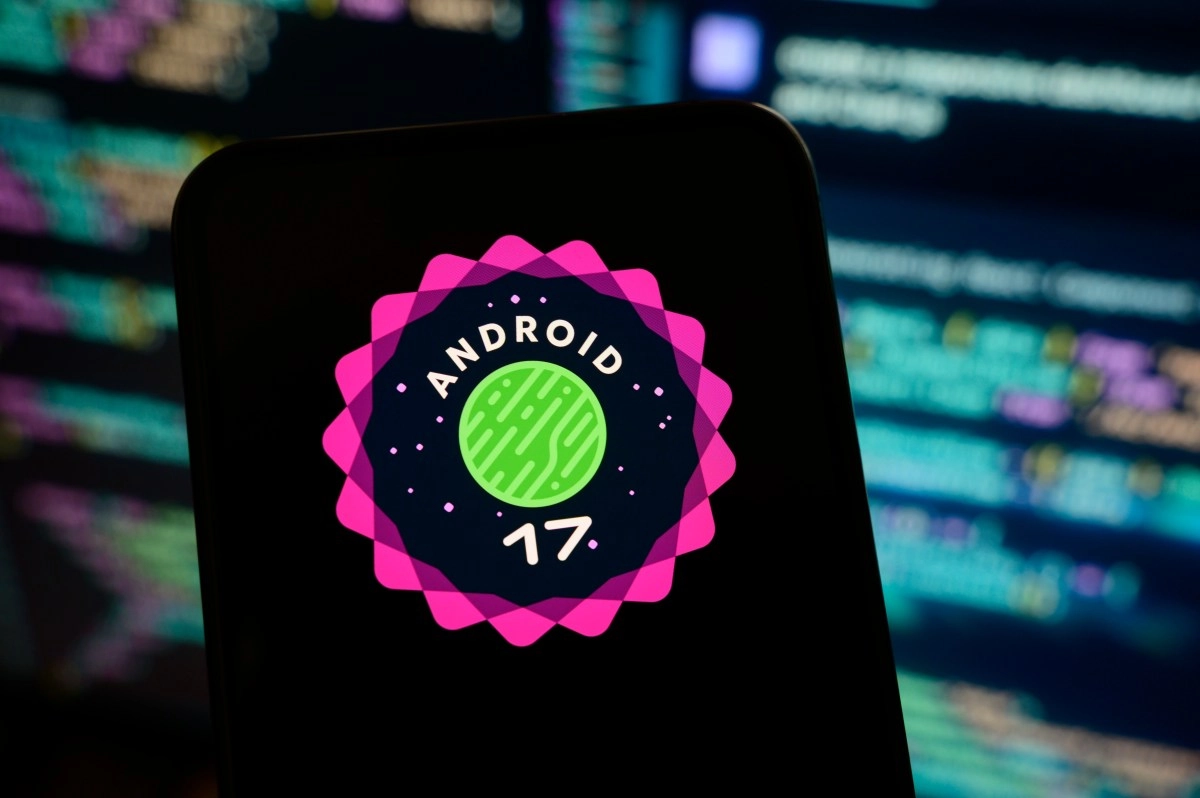

There is a question that every time Google releases a new version of Android is repeated in forums, WhatsApp groups and YouTube comments ad nauseam: should I update my phone to Android 17 if I don't have a high-end device? The short answer is that it depends, but the honest answer is much more interesting and deserves you to sit down for a moment and read it.
Android 17 officially arrived on June 15, 2026 and is available on most compatible Pixels. It brings improved artificial intelligence features, more robust privacy settings, and a renewed viewing experience. All that sounds incredible on paper, but when the phone you have in your hand has a three-year-old processor and 4 GB of RAM, the story can change a lot.
What happens to your phone when the system grows more than the hardware
Here comes the part that many prefer not to tell. Each new version of Android comes loaded with more processes running in the background, more elaborate animations, and features that consume system resources even when you're not actively using them. On a high-end device with a Snapdragon 8 Gen 4 or a similar processor, that is absorbed without a problem. But on an average phone, that extra weight can translate into a completely different experience.
The most common symptoms that you can expect on a mid-range or low-range device after updating to a higher version of Android are increased app loading times, increased battery consumption, and visible lag when navigating between screens. It's not that the phone breaks, but it does start to feel heavier than you are used to. That fluidity you had with Android 15 or 16 can disappear almost immediately.
There is a revealing fact in this regard: tests carried out with benchmarks such as AnTuTu show improvements of up to 15% in general performance with Android 17 compared to previous versions, but these improvements are measured on reference devices with powerful hardware. In a mid-range phone with a Dimensity 700 processor or a Snapdragon 6 Gen 1, the positive jump can be much more modest or completely non-existent, especially if the internal storage has already been saturated for some time.
What affects the most is not so much the processor itself, but the combination of available RAM, free storage space and the manufacturer's customization layer. An interface like Samsung's One UI or Xiaomi's MIUI adds an extra layer of consumption on top of the base Android system, and when that was already adjusted before the update, things get complicated. A phone with less than 4 GB of RAM and almost full storage is the perfect candidate to suffer the most notable impact.
How to know if your phone is going to receive Android 17
Before worrying about performance, the first thing is to know if your device is even going to receive the update. And here there is good and bad news depending on which phone you have.
The stable version of Android 17 is designed mainly for high-end devices, and the first to receive it are the Google Pixel from the 6 series onwards, in addition to the Samsung Galaxy S25, S26, the foldable Z Fold 7 and Z Flip 7, the Xiaomi 17, 17 Pro and 17 Ultra, and some models from OnePlus, Oppo, Honor and Nothing. In Motorola's territory, there are also lucky mid-range models such as the Edge 70, Edge 60 Fusion, Moto G86 and Moto G57, proving that all is not lost for those without a flagship.
To find out if your specific phone already has the update available, the most direct way is to go to Settings, then System or About phone, and then Software update. If the notification did not appear by itself, searching for it manually from that menu will tell you if it's your turn or if you still have to wait. In the case of Samsung, you can also enter the Samsung Members app, where a banner usually appears to join the beta program before the update arrives in bulk.
Another valuable resource is to consult directly the official website of your phone manufacturer. Brands like Samsung, Motorola and Xiaomi publish update schedules detailing which models will receive which version of Android and in what time period. If your model doesn't appear on any official listing, chances are Android 17 isn't on the horizon for that device, and that may actually be good news in disguise.
To update or not to update: what performance is telling you
If after reviewing all this your mid-range phone does appear on the list of compatible with Android 17, the smartest thing to do before clicking “Install” is to make a small evaluation of the current situation of the device. How much free space do you have? Is the phone already slow with the current version? If you don't like the answers, updating can make things worse.
A trick that works well on resource-constrained devices after any major update is to disable system animations from the developer options. Accessing them is simple: you go to Settings, then Phone information, tap “Build number” several times until you activate developer mode, and from there you adjust the window animation scale, the transition scale, and the animation duration scale to 0.5x or deactivate them directly. That small change can make an average phone feel noticeably snappier, although it doesn't solve the underlying problem if the hardware is already stretched thin.
What is clear is that Android 17 was not designed with the phone you buy for $150 at an electronics store in mind. It was designed to take full advantage of the latest hardware, and that's neither good nor bad, it's just the reality of the Android ecosystem.
If your device falls within the compatible list but is already two or three years old in intensive use, the best decision may be to wait for the update to arrive with subsequent optimization patches, which usually appear weeks or months after the initial release and considerably improve performance on less powerful hardware.