

Gboard will be able to read your chats and screenshots to help you respond better
Android's most popular keyboard is about to get a lot smarter, and the way you communicate with others could change forever
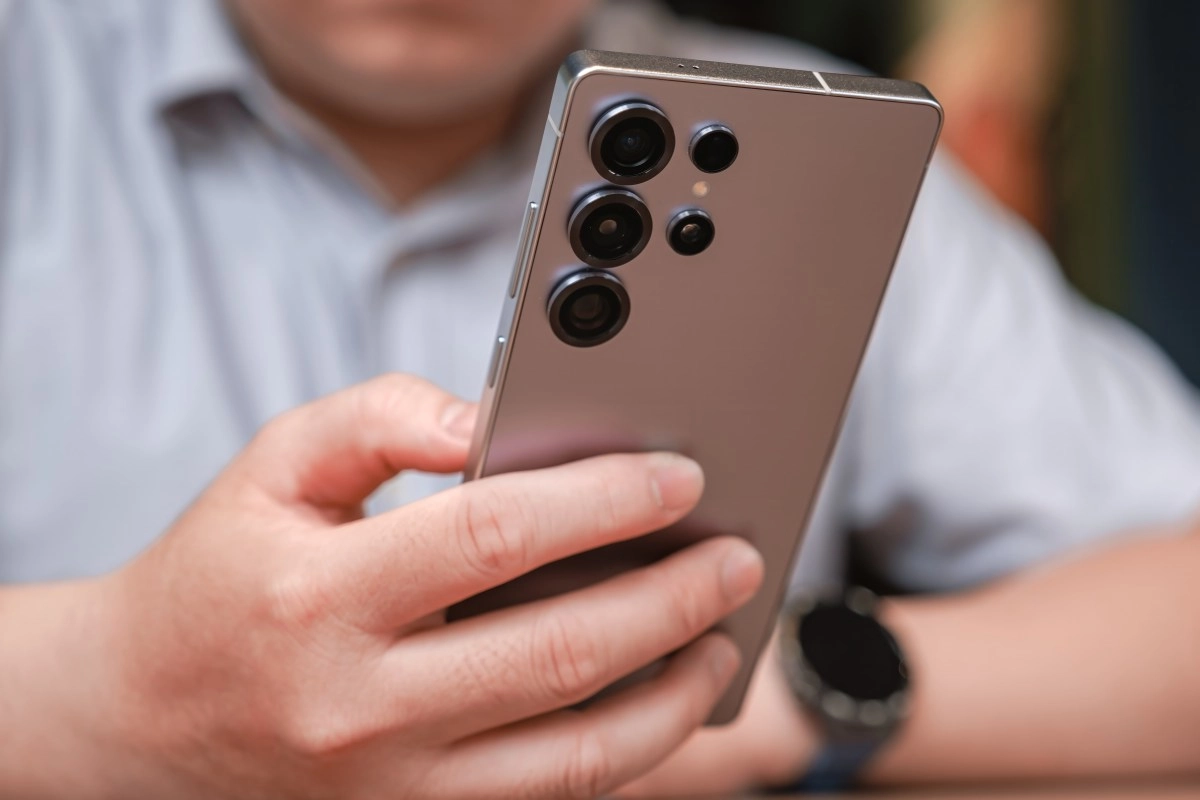

Google is secretly testing a series of new features for Gboard, its virtual keyboard, that go far beyond correcting spelling mistakes or changing the tone of a message. As revealed by Android Authority after analyzing the latest beta version of the application, the technology giant would be working on capabilities that allow the keyboard to read the content of your screen and access your screenshots to generate more precise and contextualized responses.
And no, it's not science fiction. This is what Google has prepared for the near future of its keyboard.
Gboard wants to understand the context of your conversation
One of the most striking changes that are being cooked in Google laboratories has to do with the screen context. The idea is that Gboard can “see” what is happening on your device at any given moment, whether it is a WhatsApp conversation, an email thread or any other messaging application, and use that information to offer you much more relevant and natural response suggestions.
Until now, Gboard's writing tools (called Writing Tools) already allowed you to choose between predefined styles such as “professional”, “friendly” or even add emojis. But with this new layer of intelligence, the keyboard would stop working in a vacuum and would begin to take into account who is writing to you, what they are talking about and what the most appropriate response would be according to the flow of the conversation. That, honestly, changes the rules of the game quite a bit.
Most interesting of all, Google seems determined to have all this processing happen directly on the device, without sending your data to external servers. The model responsible for all this magic would be Gemini Nano, the light and on-device version of Google's artificial intelligence assistant. This means that your conversation with your best friend, your boss or your partner would never have to leave your phone to be analyzed.
Screenshots as a source of inspiration for your messages
Here comes another eyebrow-raising feature. Gboard would also be preparing the possibility for the keyboard to access the screenshots folder in your gallery to use them as a reference when composing a message.
What is this for in practice? Imagine that you take a screenshot of a restaurant menu, an address, the details of an event or an offer that arrived in the mail. Instead of having to open the gallery, review the image, go back to the messaging app and manually type what you saw, Gboard could read that screenshot automatically and help you compose a message using that information as a basis. A concrete example would be for the keyboard to suggest something like “I'll give you the details of the event I told you about” along with the relevant information extracted from your screen.
For now, this feature appears to be limited to the most recent gallery screenshot, and Pixel users already have access to something similar thanks to the combination between Gboard and the Pixel Screenshot app. But Google's intention is clearly to expand this capability to many more devices.
An AI writing coach integrated into your keyboard
Beyond access to screen context and screenshots, Android Authority also found signs that Google wants to turn Gboard into something akin to an AI writing coach. The internal instructions they found in the code describe the underlying AI model as an “expert in writing and editing texts.”
This would mean that, when you write a message, Gboard could analyze what you have written and offer you three suggestions in the form of buttons to adjust or improve the text with a single touch. Adjustments could range from simplifying the language to adding a warmer tone, including humor or eliminating that rigidity typical of messages written with AI. Phrases like “less robotic,” “add a joke,” or “corporate jargon” would be some of the possible instructions.
Added to this is another very promising novelty: the possibility of writing personalized instructions to tell Gboard exactly how you want it to transform your text. You would no longer have to stick with the predefined styles, but could type something like “make it more informal but without losing the main point” and the keyboard would take care of the rest.
It is important to clarify that all these functions were discovered through an analysis of the Gboard beta code and are not yet available to the general public. Not all features that appear in a beta necessarily make it to the final version, but the direction Google is taking is pretty clear. The keyboard no longer wants to be just the place where you write, it wants to understand what you are experiencing on your screen to help you communicate better.