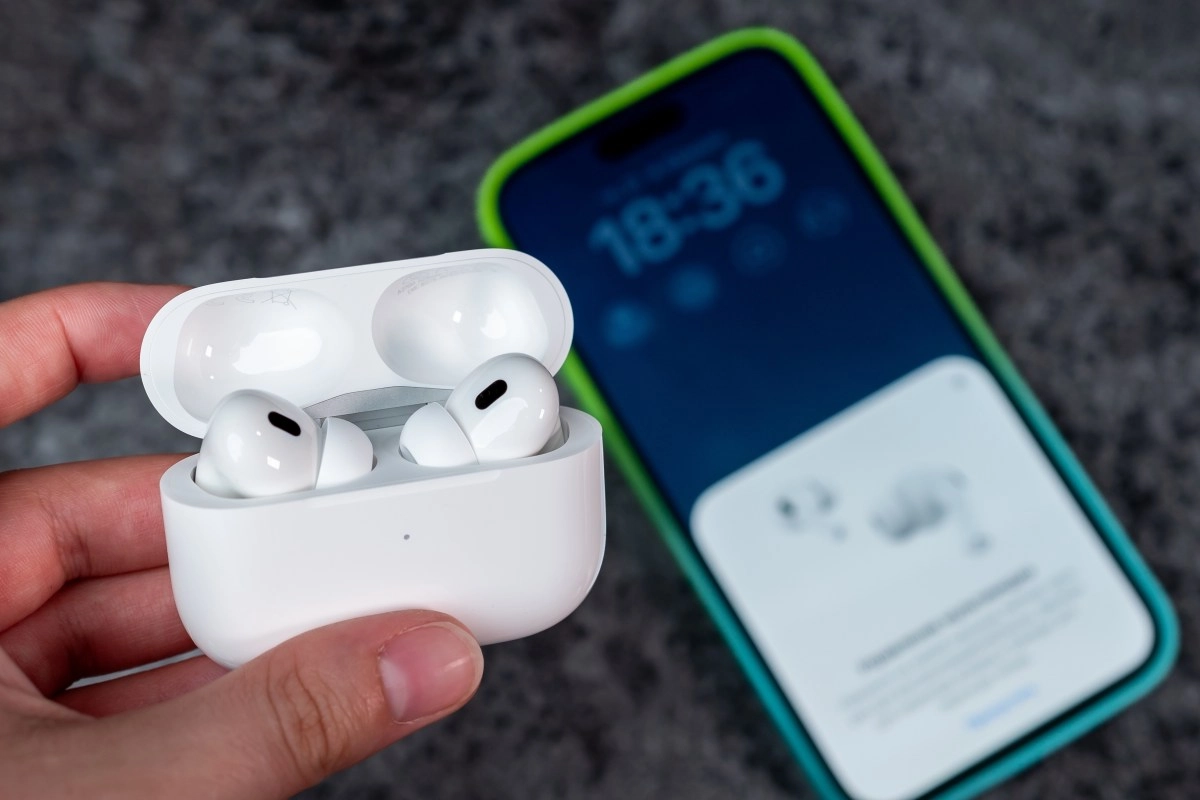

A wireless headset that stops charging is one of the most frustrating things: often the problem isn't the headset itself, but a minor fault that you can fix in minutes. The worst part is that these failures usually appear suddenly, just when you need them most, whether for an important call, a work meeting, or simply listening to music on the go.
The good news is that most of the time it's not irreparable damage, but rather details as simple as a faulty cable, dirt on the contacts, or even a software error. Understanding the most common causes will help you save time, avoid despair, and, in many cases, extend the life of your hearing aids without having to spend money on an immediate replacement.
The 5 most common reasons why your hearing aids won't charge
1. Dirty or corroded contacts: the invisible culprit
With normal use (pockets, sweat, lint), the metal bases that connect the earpiece to the case become dirty or oxidized. When this happens, the circuit doesn't close and the earpiece doesn't receive a charge. This is the most common cause, especially if one side charges and the other doesn't.
Remove the earbuds and the lid from the case, blow dry, and remove any lint with compressed air or an anti-static brush. Dampen a cotton swab with isopropyl alcohol (70%–90%) and gently clean the contact points; let it evaporate completely before charging. Avoid inserting metal objects that could scratch or bend the pins. If the corrosion is severe, household cleaning may not be enough, and it's a good idea to take them in for a service.
2. The case or cable isn't receiving power
Sometimes the problem isn't the earbuds themselves, but the case (or the cable/charger). A broken cable, a lint-covered micro-USB/USB-C input, or a faulty charger prevents the case's battery from charging, and therefore the earbuds from either.
In these cases, try a different cable and wall adapter (preferably use the original or a quality one).Check the case port: Clean it with compressed air and a plastic toothpick if there's any lint. If the case has wireless charging, check that it's aligned with the base and that the base works. If the case's LED indicator doesn't turn on, even with another cable, it's most likely an internal battery failure and technical service is required.
3. Misalignment or poor fit inside the case
Some models require the earbuds to be perfectly seated so that the springs or pins make contact; bumps or deformed lids prevent this fit, and charging won't start.
In this situation, it's best to carefully insert the earbuds, try pressing them down a little so that the pins make contact, and close the lid. If there are bent interior parts, avoid applying too much force: try realigning them with a thin plastic tool or go to support to avoid breaking the pins. Checking if the manufacturer offers a case replacement is also an option.
4. Software/Firmware and Pairing Issues
Not all problems have a physical cause. Sometimes the case and earbuds have a firmware error or are stuck in a state that prevents charging or the battery level from being read on the phone. There are also cases where only a reset of the system resumes charging properly.
To resolve this issue, perform a reset of the earbuds following the manufacturer's instructions (always on the official support website). Update the firmware from the manufacturer's app, if available. If the problem persists after an update, consult the forums or the manufacturer's support page for recovery steps.
5. Internal Battery Drain or Failure
Wireless earbud batteries are small and degrade over time. After 1–3 years of intensive use, their capacity drops, and they may stop charging properly. Additionally, exposure to water (washing machine, extreme sweat) causes internal corrosion that blocks charging. When this happens, repair usually involves replacing the cells or the board, which can be more expensive than replacing them.
If you've tried cleaning, cables, and resetting and they still won't charge, consider taking them to a repair shop for battery diagnostics or repairs for moisture damage. If the unit is several years old and the repair cost is high, the most practical option may be to replace them with a new model.
When is it time to go to the repair shop?
If you've cleaned, tried other cables, and reset them and the problem persists, or if there's internal corrosion from washing or the battery is clearly degraded, it's time for a professional consultation. An authorized center can determine if replacing the battery in the case or the headset itself is sufficient.or whether it's worth replacing the entire device.
Keep in mind that some manufacturers offer discounted replacement programs or even extended warranties that cover these types of failures, so it's always worth checking the condition of your model. Saving the receipt, serial number, and going to an authorized service center can make the difference between paying for an expensive repair or receiving a quick and much more affordable solution.