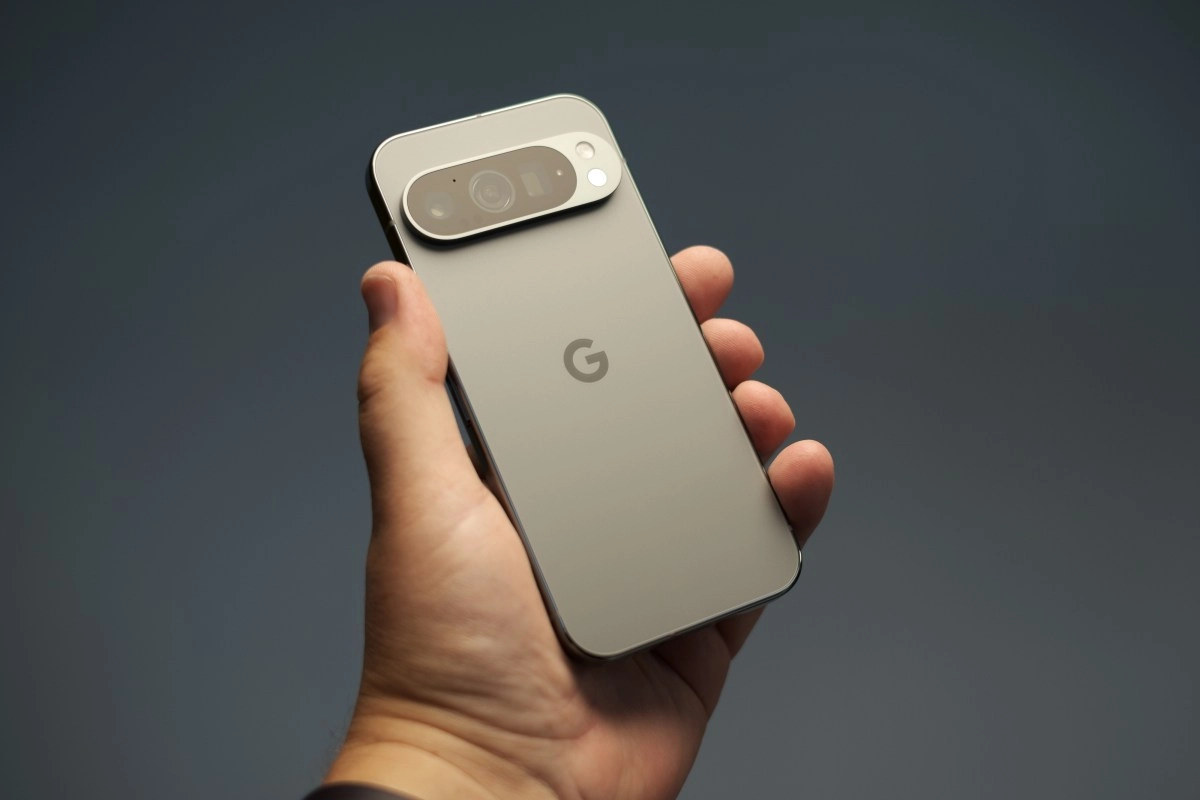

Google decided to take a giant step in the evolution of its mobile operating systems with the arrival of desktop mode for Android. This tool transforms your phone or tablet into a true laptop. The technology company enabled this amazing feature to improve the productivity of millions.
Many technology enthusiasts waited years for a solid alternative to Samsung DeX. Now the search giant has integrated this capability directly into its latest devices. If you have a compatible Pixel phone, you can enjoy this experience right now.
What is Android Desktop Mode?
Android Desktop Mode is a revamped interface that activates when you connect your phone to a larger screen. This feature adapts the graphical environment to look exactly like a computer system. We've said goodbye to awkwardly stretched apps.
In this new environment, you'll find a taskbar located at the bottom of the screen. From there, you can quickly access your favorite apps and see which ones are currently open. It also includes an app drawer very similar to the classic start menu.
Apps now open in floating windows that you can move freely around the screen. You have complete freedom to resize each window according to your needs. In the upper right corner, you'll find buttons to minimize or close the application.
How Desktop Mode Works
To take advantage of this technological marvel, you need a compatible device and a few extra accessories. The main requirement is an external monitor and a cable that allows you to transmit video from your phone. The system detects the screen and automatically changes the visual interface so you can get started.
The experience reaches its full potential when you connect a keyboard and mouse using Bluetooth technology.
By linking these peripherals, your smartphone becomes a truly complete workstation. The mouse pointer moves with total fluidity as you navigate through your important documents.
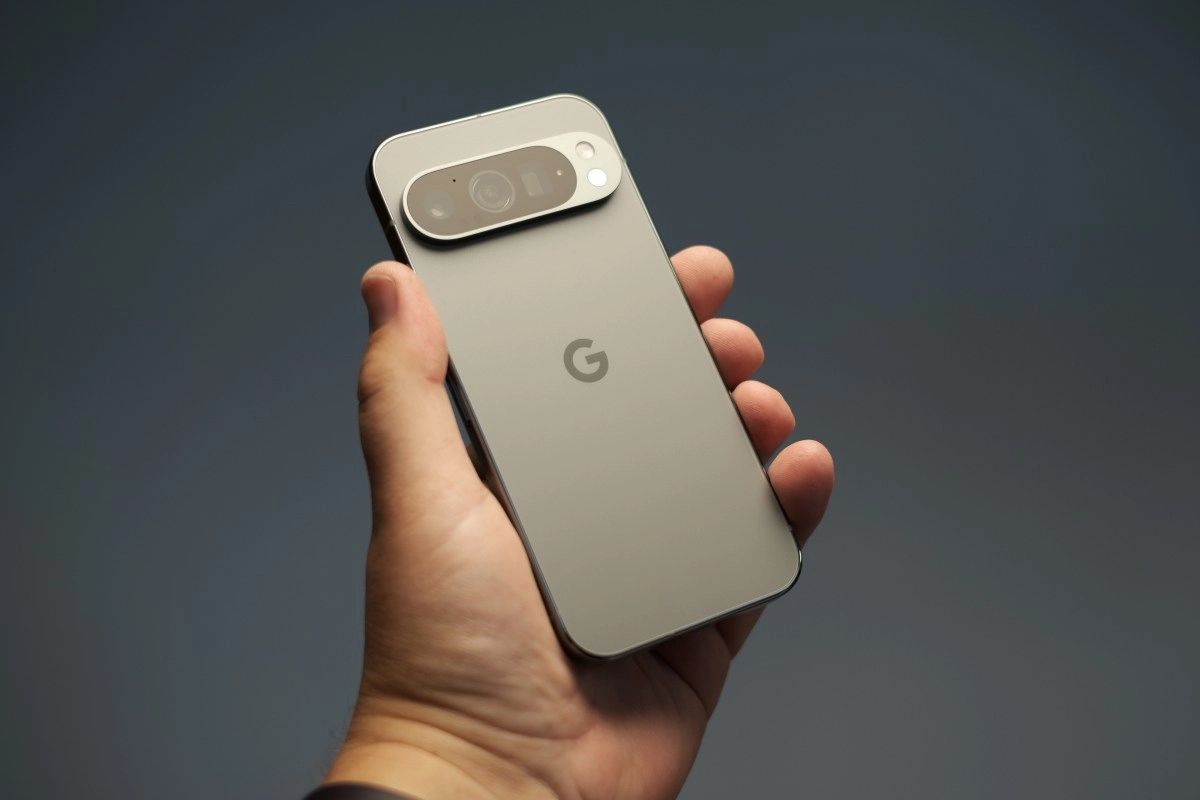
Users of Pixel devices like the Pixel 8 or Pixel 9 Pro can easily activate this feature. You just need to go to Developer Options in your smartphone's general settings. There, look for the Window Management section and turn on the feature.
Benefits and what you can do on your Pixel
The main benefit of this great innovation is the ability to multitask effectively. You can have a text document open while checking your emails in another window simultaneously. This enormous flexibility is almost impossible to achieve on the small screen of a smartphone.
Students and professionals are the big winners with the arrival of this fantastic Google tool. Now you can edit complex spreadsheets with the same ease as you would on your computer.
Furthermore, you can participate in video conferences while taking notes without missing any details of the meetings. This incredible technology represents the future of mobile computing and demonstrates Google's commitment to innovation. Your Pixel phone now contains the tremendous power of a computer ready to use anywhere. We invite you to try this feature today and discover a new way of working.
This incredible technology represents the future of mobile computing and demonstrates Google's commitment to innovation. Your Pixel phone now packs the tremendous power of a computer ready to use anywhere. We invite you to try this feature today and discover a new way to work.