

Do you see a green dot on your Android? Someone could be recording you right now
Android hides a security function on your phone screen so you can detect if they are trying to spy on you
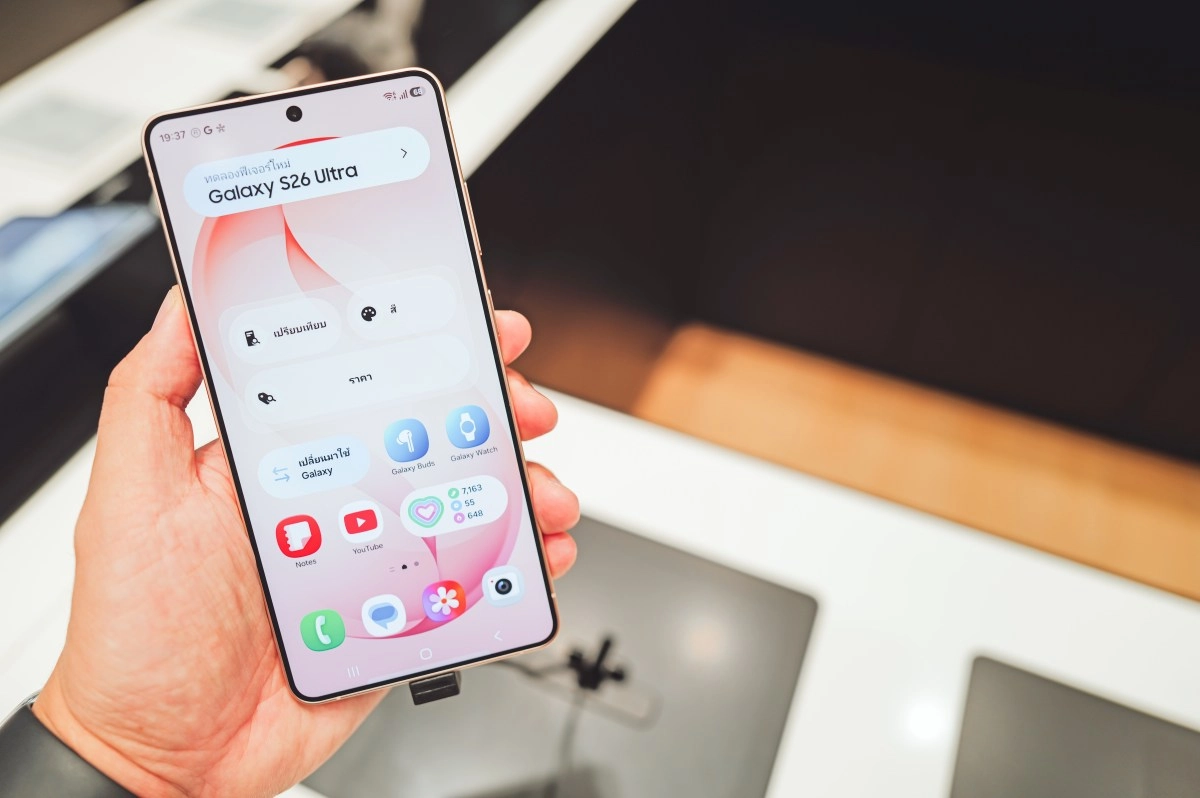

You're using your phone normally, checking social media or responding to messages, when suddenly a small green dot appears in the top corner of the screen. It flashes for a few seconds and disappears. What was that? Many ignore it, others think it's a bug, but that tiny green circle is one of the most powerful privacy tools that Android has natively integrated into your device, and knowing what it means can make a big difference in your digital security.
We live in an era where smartphones know everything about us. Our conversations, our habits, our location and even our faces pass through the microphone and camera of these devices every day. The problem is that it is not always us who activate these sensors.
The applications we install have permissions that, in many cases, exceed what they really need to function. A flashlight that accesses your microphone, a game that activates your camera in the background, a weather app that listens to your conversations, these scenarios exist, and Android knows it.
What exactly is that green dot and why did it appear in Android 12
Since the launch of Android 12, Google has incorporated what are officially known as privacy indicators. They are small visual signals, represented mainly by that green dot, that appear in the notification bar of your device in real time whenever an application accesses the phone's microphone, camera or location.
The idea was not new. Apple had implemented it before in iOS 14 with a similar system. But Google adopted it with its own peculiarity: on Android, the color green is always used for all indicators, instead of alternating colors as iOS does. The interesting thing is that the point does not appear only when you decide to record a video or make a call. It is also activated when an app does it without you having given an explicit order, that is, when something works in the background without you seeing it.
At first, the system shows you an expanded pill with the microphone or camera icon, which then compresses into that discreet but significant green dot. Small, yes. Imperceptible, no. It's designed to be exactly that: visible enough to grab your attention without interrupting what you're doing.
How to find out which app is recording without your permission
This is where the feature becomes really useful. Seeing the point is not enough. The important thing is to know who is behind this unsolicited access. Android gives you the tools to discover it in a matter of seconds.
The first step is to swipe from the top of the screen to open the notification panel. Once there, you will see the microphone or camera icon expanded. If you tap directly on that icon, the operating system will show you the exact name of the application that is using that sensor at that precise moment. There's no place to hide: Android tells you the name of the culprit app straight up.
If you want to go further and see a complete history, there is the Privacy Panel, accessible from Settings > Security and privacy > Privacy panel. There you'll find a timeline of all the apps that have recently accessed your microphone, camera, or location, along with the exact time they did so. It's like a surveillance log that Android keeps updated for you, and that too many users are unaware of.
Once the suspicious application is identified, the next move is direct. Go to Settings > Privacy > Permissions Manager, select the “Microphone” or “Camera” option and search for the app in question. There you can revoke access immediately by choosing the “Do not allow” option. If the app doesn't need those permissions to function as you use it, there's no reason for it to have them.
Why you should take that little green dot seriously
It may sound like paranoia, but cybersecurity statistics and reports show a worrying reality. There are applications available in third-party stores, and in some cases even on Google Play before being removed, that activate the microphone or camera in the background to collect user data. Information that can then end up in the hands of advertisers, data brokers or malicious actors.
Beyond the extreme cases, there is a more everyday concern that is also valid. Many legitimate apps have permissions that exceed what they actually use. A social media app could activate your microphone more times than necessary. Having that active green dot as a visual guardian allows you to notice it before it becomes a bigger problem.
What Google achieved with this indicator is to give back something fundamental to the user: control and awareness over what happens on their own device. You don't need to be a cybersecurity expert or install third-party tools to know if someone is listening to you. The system does it for you, in real time, with a green dot as small as it is effective.
The next time you see that spot light up unexpectedly, don't ignore it. Pull down notifications, tap the icon and find out which app is using your sensors. It may be completely normal. But in the event that it is not, you will have in your hands all the information you need to act immediately. Your privacy is not a luxury, it is a right, and Android, with this small but powerful feature, is taking it more and more seriously.