

How to improve the WiFi signal with aluminum foil: the trick that works
Aluminum foil can help redirect the WiFi signal and improve the connection in areas far from the router: we explain how the trick works
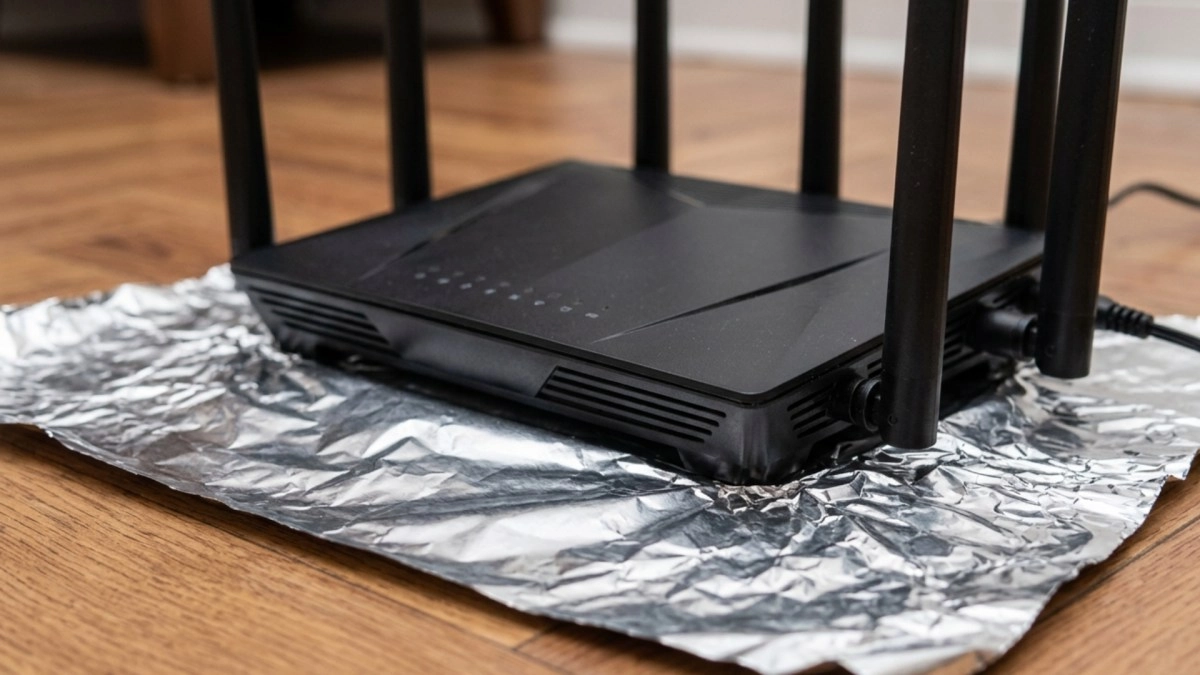

A homemade trick has gone viral for its effectiveness in improving the WiFi signal at home. Using an essential element; aluminum foil, you can activate the technique that has a scientific explanation and that really helps to have a more stable internet.
Routers distribute the wireless signal in all directions, forming a kind of invisible sphere around the device. The problem is that this signal loses strength when it passes through walls, furniture, appliances or metal structures. And that's where the aluminum foil comes in.
Read also: 5 real tricks with the router to improve the internet and 5 that are false
Aluminum foil trick to improve WiFi signal
Aluminum works as a reflector of electromagnetic waves. When placed behind the router with a curved shape, it helps redirect some of the signal toward a specific area of the house, rather than allowing it to spread everywhere.
In simple terms, the trick acts as a kind of homemade “satellite dish” that pushes the signal forward.
The method gained notoriety after a study carried out in 2017 by researchers at Dartmouth University, in the United States. Specialists developed customized reflectors using 3D printing to better control the distribution of WiFi signals within different spaces.
During testing, they saw improvements of up to 50% in certain coverage areas.
In normal home applications, using only aluminum foil, the improvements are usually more modest, usually between 10% and 20% additional intensity in rooms away from the router.
How to do the aluminum foil trick correctly
To apply this technique you do not need to spend money or have advanced technical knowledge. The recommended steps are as follows:
The idea is that the aluminum “bounces” the waves to the front and prevents part of the signal from being wasted against walls or empty spaces.
However, experts clarify that, although the trick can help, it does not work miracles. If the internet continues to be slow, it may also be due to contracted speed problems, device saturation or interference from other electronic equipment.
· What happens if you type 'do a barrel roll' in Google: the screen does a curious trick · What to do with an old router: 5 smart tricks to reuse it · What to do with an old tablet: 7 tricks to get the most out of it