

Why does your TV show two black horizontal stripes when watching content?
This is why your TV shows dark bars when watching movies and series in Streaming
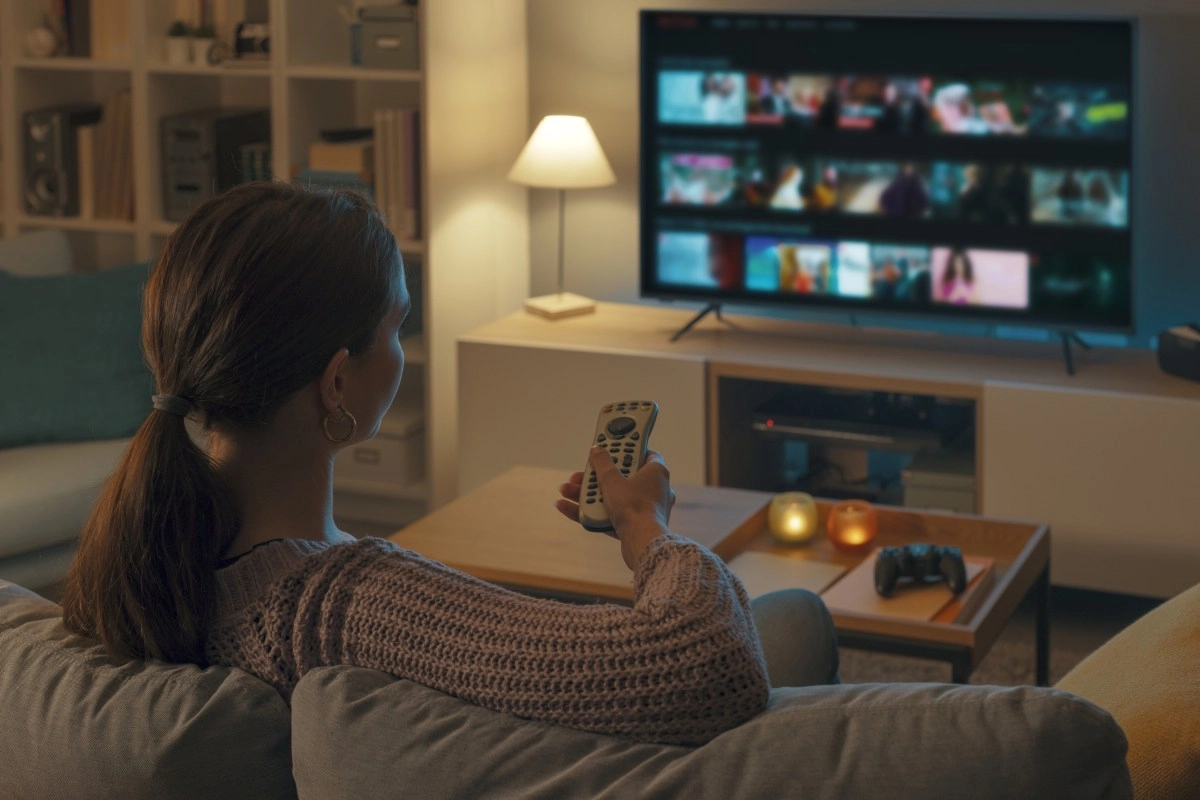

Watching your favorite series, movie or game streaming from your TV is a pleasure, but sometimes you notice two horizontal black stripes appearing at the top and bottom of the screen. Does this mean your TV is faulty? Not at all! It's more common than you think and have to do with how the content is displayed and the technical characteristics of your TV. Here's why those bars appear and what they actually represent.
Aspect ratio: the main reason for horizontal black bars
The most common cause of those black bars that appear on your screen when you watch streaming content is the aspect ratio. This technical term refers to the ratio between the width and height of the image transmitted by your TV.
Most modern TVs, especially LED or LCD flat-screen TVs, have a standard aspect ratio of 16:9 (meaning the screen measures 16 units wide by 9 units high). However, the content you watch, whether it's a movie, TV series, or documentary, may be recorded or produced in different formats, which don't always match this ratio. For example, classic or cinematic films often use wider formats like 2.35:1 or 4:3, which are more panoramic or square than 16:9.
So, to ensure the image is displayed correctly and without distortion, the television preserves the original aspect ratio of the content and does not force it to stretch or crop it. This results in the top and bottom being "filled" with black bars to maintain those proportions and prevent the image from becoming pixelated or distorted. In other words, the black bars are not a fault with your TV, but rather the correct way to display the content as intended by its creators.
Some televisions have functions to "stretch" or "zoom" the image and thus eliminate these bars, but this can distort the image and crop important parts. Therefore, it is recommended to always respect the original aspect ratio to achieve the best visual quality without loss or distortion.
Other technical causes that can generate horizontal lines
Although the aspect ratio is the most common reason,in some cases these black lines can be due to technical characteristics or even minor hardware problems, without this meaning a serious failure.
In LCD or LED TVs, the image is created from components such as the T-Con board, which controls the addressing of the pixels, and the main board that processes the signal. If any of these boards or internal connections (such as ribbon cables that connect parts of the panel) are loose or weak, horizontal lines can appear on the screen. This usually happens gradually and in greater numbers than just two well-defined black bars, and is often accompanied by other distortions or glitches in the image.
Also, external connections such as poorly adjusted HDMI cables, external devices that send incorrect signals, or incompatibilities can affect the image and generate visual errors. But if your TV only displays two well-defined black bars at the top and bottom, the aspect ratio is almost always being respected.
Finally, overheating or physical damage to the panel can cause unexpected stripes or lines, but in these cases the problem is visible with all types of content and does not only appear with streaming playback.
How to enjoy your content without worrying about black bars
Knowing that the two horizontal black bars are simply a matter of format and design prevents you from worrying unnecessarily about your TV. If you want to remove these bars, most TVs have options to adjust the image, either with zoom or stretch functions. However, this can affect the quality or cut off important parts of the image, such as subtitles or characters at the edges.
It's also important to check for problems with your cables or external connections if you notice really strange lines or flickering in other situations.
So now you know, if you see those black bars at the top and bottom of the screen while streaming, it's not a fault with the TV. It's simply the correct way of viewing the content according to its aspect ratio. This way, you can enjoy your movies and series with the best possible visual quality, respecting the original audiovisual intention.