

So you can have double WiFi on your cell phone so that the internet never fails in your phone
The dual WiFi feature allows your Android phone to enjoy a faster and more stable Internet connection at all times
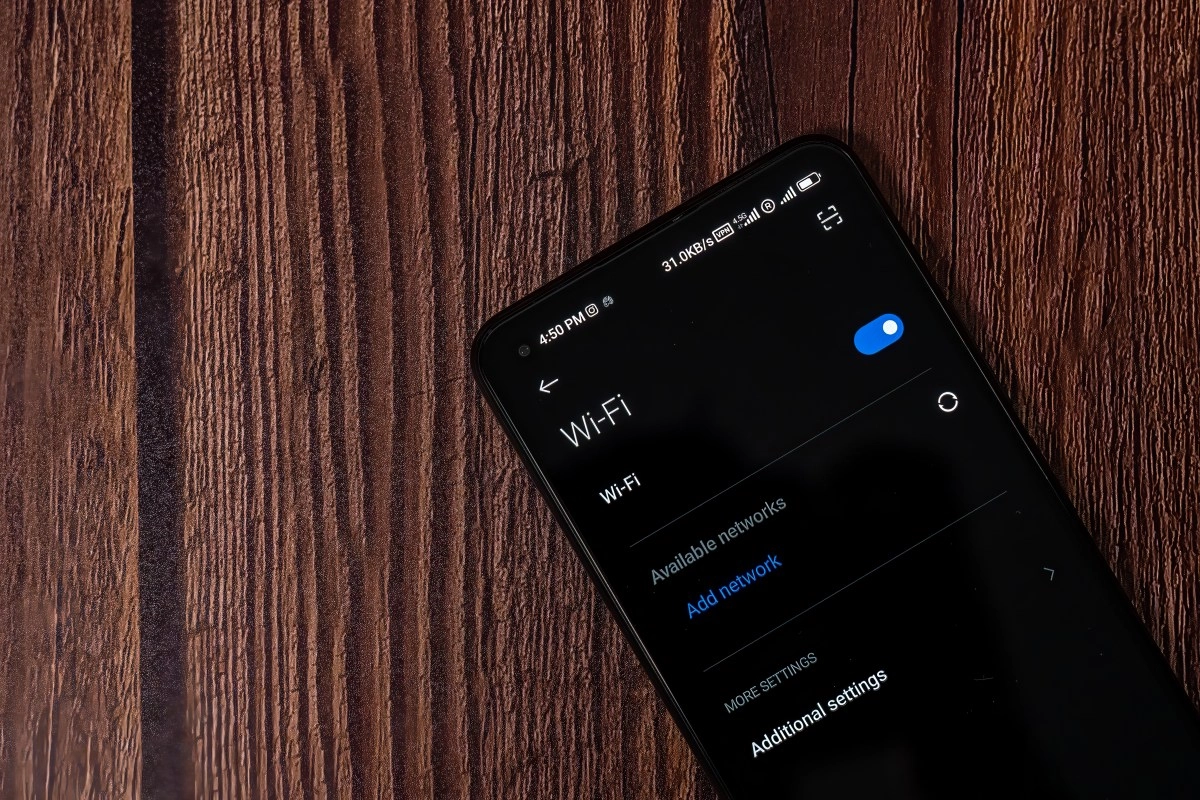

Imagine browsing the Internet with fewer interruptions, more speed and an experience so fluid that you don't even realize you're changing networks. That’s exactly what the simultaneous dual Wi-Fi feature, also known as “dual-channel boost” or “baby Wi-Fi,” does.
When you activate this feature on your Android device, it simultaneously connects to two Wi-Fi networks (usually the 2.4 GHz and 5 GHz bands of the same router). It’s not a magical connection that doubles your internet speed, but rather a smart strategy that takes advantage of the best of both bands to always give you the best performance.
This technology has been gaining popularity among modern Android devices especially since Android 12, which integrated it as an optional feature and is already present in customization layers from brands such as Xiaomi, OnePlus, Realme, Oppo, Vivo, and Samsung.
Advantages of activating simultaneous dual Wi-Fi
First, let’s be clear that each band has its pros and cons. 2.4 GHz offers greater range and penetration (ideal for penetrating walls), while 5 GHz provides higher speeds but with shorter range. The magic of dual Wi-Fi is combining these strengths.
When your phone detects that it can take advantage of both bands, it activates them at the same time and makes them work in parallel. This way, it stays connected to 5 GHz while you're near the router, and when you move away, it maintains the 2.4 GHz connection without interruptions. This results in a much more stable experience ideal for video calls, streaming, or online gaming since the signal drop on one band is compensated for by the other, without any noticeable dropouts.
In addition, the system is very conscious: it only activates the dual connection when it detects that it can benefit the connection, which helps conserve the battery and optimize resources. In short, you'll have a network that adapts in real time: more stable when you're traveling around the house and faster when you're close to the router.
Three reasons why you'll browse faster and more stably
First, The device establishes two independent connections—with two different IP addresses and MAC addresses—and uses them simultaneously to improve the user experience. It's not just about switching bands; it's about taking advantage of both at the same time to improve your connection quality.
Second, thanks to this duality, you'll notice lower latency and faster loading times. The 5 GHz band can handle heavy tasks—like streaming or downloads—and the 2.4 GHz band ensures that the connection doesn't drop if you stray too far or there's interference. The result: fewer interruptions and smoother browsing.
Third, it's great for online gaming or video calls: less lag, less zoom freeze, and less frustration. The feature makes your connection feel “smarter” because it adjusts in real time to what works best for you based on your location and network conditions.
How to activate it and get the most out of it?
The good news is that on most modern devices this feature comes activated by default especially on models from Chinese brands and mid-to-high-end models. On some devices, you may have to manually enable it from the Wi-Fi settings, with names like Intelligent Wi-Fi, Wi-Fi Assist, or Dual-Channel Acceleration.
The typical path on Android is: Settings → Connections → Wi-Fi → Advanced options (or Wi-Fi Assist) → and activate this extra feature. Once enabled, you'll see the famous dual-connect or "baby Wi-Fi" icon when the feature is in use, letting you know everything is under control.
Enabling dual-connect on your Android phone gives you a browsing experience that feels smarter, more resilient, and faster when it matters. If you don't see the double symbol in your status bar yet, check the advanced settings and look for it: once it starts working, you'll notice the difference almost immediately — fewer interruptions and more peace of mind, even when you're moving around the house.