
Have you ever needed to share the password of a WiFi network but didn't remember it? If you've connected to that network before, now you can easily check it from your iPhone thanks to a feature available in iOS 16 and later. This tool is not only useful, but also secure.
Apple has included this option with user convenience in mind, allowing you to consult saved networks without the need for external applications or complicated procedures.
How to see the password of a Wi-Fi network from your iPhone
This feature is integrated directly into the operating system, but is only available if you have previously connected to the network. Follow these steps:
This method also works for other saved networks if you go to Settings > Wi-Fi > Edit (in the upper right corner). There you can see all the networks stored on your device.
Requirements and security for this feature
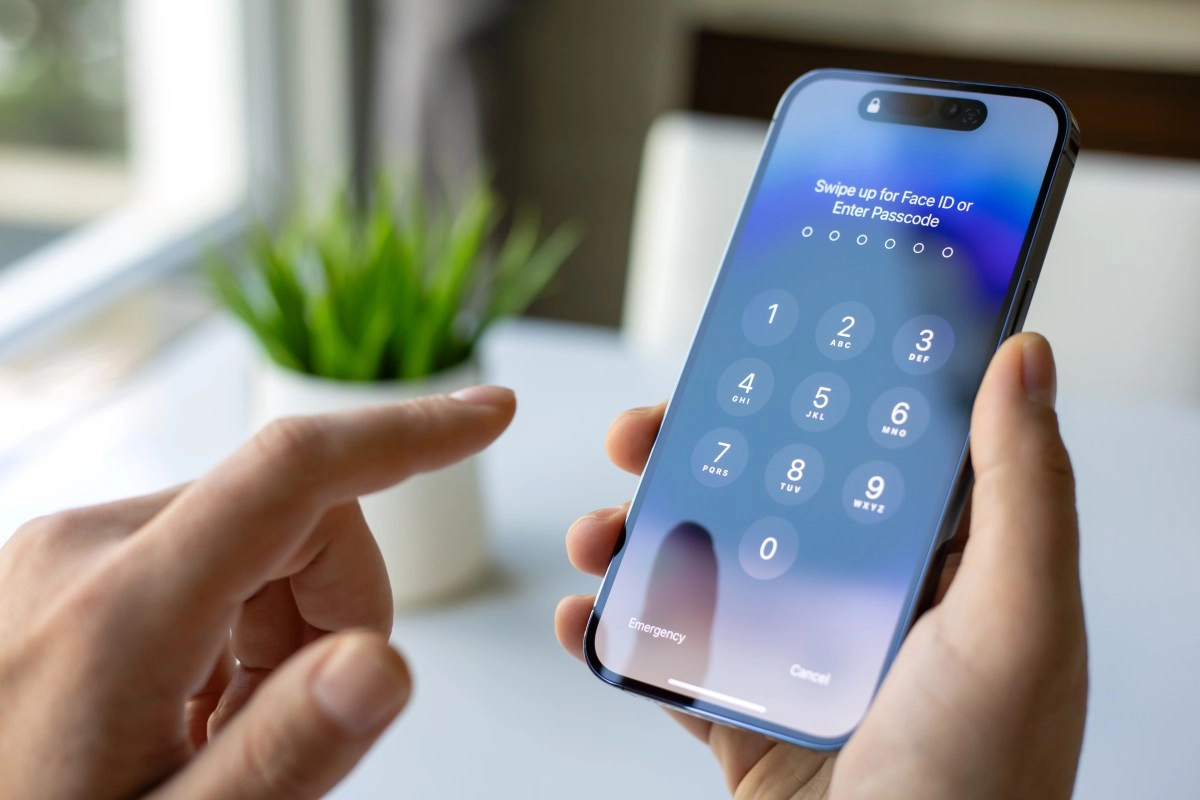
This tool is only available on iPhones with iOS 16 or later. You don't need to install any third-party applications or make any advanced changes to the system. Additionally, as a security measure, Apple requires biometric or code authentication to prevent unauthorized access.
The ability to view saved passwords is especially useful when you want to connect other devices, share the network with friends, or regain access from another computer. Apple protects this feature with end-to-end encryption, ensuring your data is always secure.
A handy feature that simplifies your daily life
Being able to securely access the Wi-Fi passwords stored on your iPhone is one of those small tools that makes a big difference. It's simple, quick, and eliminates the need for physical notes or unnecessary searches. If you haven't yet updated to iOS 16 or higher, now may be a good time to do so and take advantage of this benefit.