

The hidden detail of your keyboard that allows you to type like a professional
The small bumps on your computer keyboard serve as a tactile reference to help you type at higher speeds.
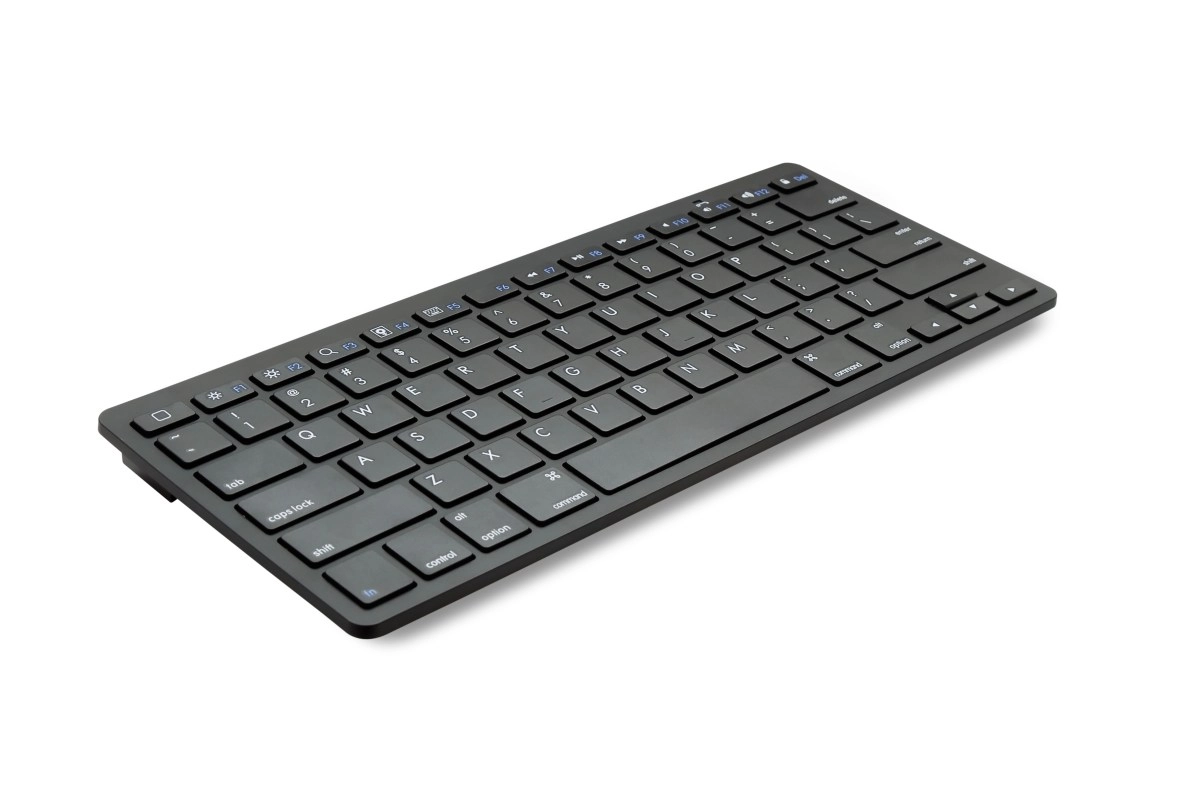

Have you ever stopped to look at the F and J keys on your keyboard and notice those little lines or bumps that seem to be there for no apparent reason? It is not a decorative detail or a design whim. Those lines serve an essential function that completely transforms how you type and why professional typists can type at impressive speeds without even looking at the keyboard.
These marks work as a tactile guide that allows you to correctly position your index fingers without having to look down at the keys. Thanks to them you can immediately find the so-called central row where your hands rest when writing, which includes the keys A, S, D, F and J, K, L, Ñ. This position allows you to write faster with greater precision and without losing focus on the screen.
The Science Behind Tactile Markings on F and J
Tactile references known as homing bumps are small reliefs located on the F and J keys that indicate the correct position of the fingers when typing. On keyboards with a QWERTY layout, these small reliefs serve as a tactile guide to correctly place the index fingers in the ideal spot.
The origin of these indicators dates back to the end of the 19th century when the QWERTY layout began to become popular and writing without looking at the keyboard was promoted in offices and training centers. In this method, the index fingers were placed on the F and J keys located in the central row or home row. Without a visual reference, returning to the correct position after moving the hands away was difficult, so manufacturers added small protuberances that allow the reference point to be recognized by touch and the fingers to be repositioned accurately, reducing errors and improving speed when writing.
The idea was from the same inventor of the keyboard, June E. Botich, who in 2002 decided to include them to serve as a guide to locate the hands without having to observe. Botich specially chose these two letters as they are located in the entire center of the keyboard so that when placing the hands the person can use all 10 fingers and thus write correctly and with greater speed.
While the left hand is used to cover the letters A, S, D and F, the right hand is used for the J, K, L and Ñ keys, which is why the reliefs mark how the index fingers should be placed on the keyboard. These keys help you position the index fingers of your hand in the ideal spot for more fluid writing on the keyboard.
Why writing without looking changes your productivity
The main objective is to serve as a guide so that inexperienced users can place their hands correctly on the keyboard and type while looking at the screen. The design of these keys helps you type much faster with greater precision and in a much more efficient way. If you write like most without looking at the keyboard, these keys help you position your fingers in the ideal spot.
Small raised lines under the F and J keys on computer keyboards serve as tactile guides for locating your index fingers without looking. They make it easy to find the center row to write quickly and without errors. This feature inherited from 19th century typewriters seeks to improve speed and precision when writing.
These small details that may seem superficial fulfill a significant function: helping users improve their writing technique, especially those who have mastered the art of blind typing. The line on the F and J keys acts as a key reference point that allows users to quickly position their fingers without needing to look at the keyboard. Thanks to the line on these keys, writers can find the correct position of their fingers without distractions, which increases their productivity and efficiency at work.
They were implemented for professional typists as a tactile guide and the bulge in the F and J serves so that they know without looking the position of these two keys by touch and immediately know where the rest are and write without looking. In fact, to find a physical keyboard that does not incorporate this detail, you have to go back about 15 years, being a detail that was invented by June E. Botich starting in 2002.
These brands are not just for typing experts
Many consider that these small reliefs on the bottom of the F, J and 5 were designed to help blind people write, however their objective is to facilitate hand placement. Developed by June E. Botich in 2002, this relief increases tactile sensation and guides the user so that they can write comfortably and correctly with their keyboard.
The objective of these two raised lines is to guide the user on the keyboard to improve the process of learning and practicing typing. Ergonomics is the main goal and the line on the F and J keys acts as a key reference point that allows users to position their fingers quickly.
The position of your hands on the keyboard's home row is supported by the F and J markings to facilitate fast and accurate typing. These brands have been around for decades and their main function is to help users locate their hands without having to look at the keyboard, which improves speed and accuracy when typing. Its origin dates back to mechanical typewriters where physical guides were already used to improve writing speed.
The formal incorporation of these touch guides was registered in a patent in 1982 by June E. Botich with the goal of improving the accuracy of typists in work environments. In other words those little lines were designed so that you can write almost from memory.
The next time you write, take a moment to feel those lines with your index fingers and understand that you are not touching simple reliefs but rather productivity tools that have evolved over more than a century to make your digital life more efficient.