

There is a reason why updating Windows takes so long and Microsoft just revealed it
Microsoft revealed what the reason why every time you install a Windows update your computer takes so much time
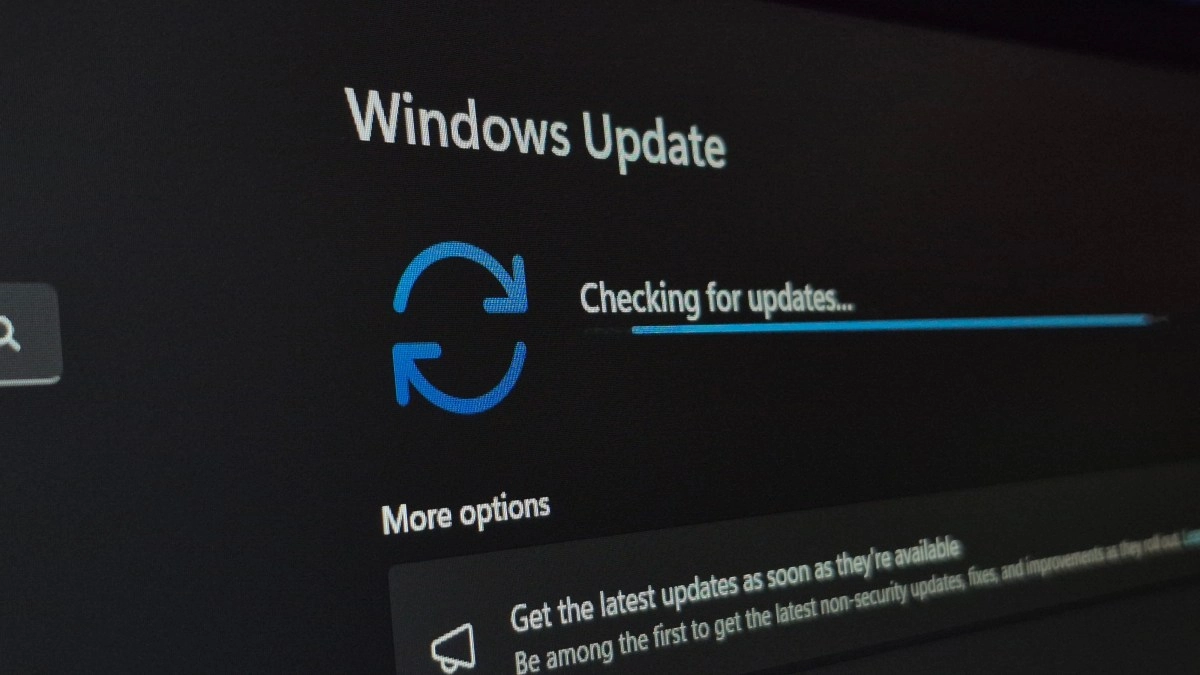

Have you ever restarted your computer to install a Windows update and just stared at that damn spinning circle for minutes that seem like forever? You were just about to unplug everything in a fit of desperation, breathe. Microsoft has just revealed that this wait is neither a mistake nor a sign that something has gone wrong, but exactly the opposite.
The Redmond-based company confirmed that this behavior is completely intentional, and the explanation behind it completely changes the way you should see those endless loading screens.
Why do Windows updates take so long?
When you click “Restart” to finish an update, Windows starts a rather more complex process than it appears from the outside. The p rotating circle display is not just decorative: the system is replacing critical files and making fundamental adjustments in the background.
Now, the key point is what happens when something doesn't go perfectly in that process. Instead of stopping, showing a cryptic error code and leaving you stranded, W indows 11 automatically activates an internal recovery system. That is, the system detects the problem, attempts to correct it on its own and moves on without asking you to do anything.
This is explained by the company in a recent post on its Windows blog: “The update takes additional measures in the background to be completed successfully, which can lengthen the installation time.” Put in simple words, if the process takes longer, it's probably because Windows is resolving a obstacle in real-time so that you don't have to deal with it later.
More waiting time, less failed updates
This behavior has a logic that, once you understand it, makes a lot of sense. The fact that the installation takes longer doesn't mean something is wrong, but that the system is being careful than-usual.
Microsoft claims that, thanks to this automatic recovery feature, the percentage of updates that are completed successfully has increased significantly. Windows reviews and corrects possible failures in real-time before terminating the process, which reduces the cases in which users end up with a half-baked system or with badly installed patches.
And there is a group of users that especially benefits from this. According to the company, these changes are particularly useful for devices those who spend little time connected to the internet or who are used sporadically. For those computers, improvements have reduced errors s and accelerated both the download and overall installation of updates. “These improvements are particularly relevant for devices with poor connectivity or that are not online continuously, increasing the success of updates,” explained Microsoft.
Microsoft also gives user more control over when to update
But the company did not stop explaining what already existed. Microsoft also took the opportunity to announce important changes in the way in which users can manage updates.
Until now, Windows allowed you to pause updates for a maximum of five weeks, and once that period expired, the system practically forced you to install them before letting you pause again. Worse still, in some cases the “Shutdown” and “Restart” buttons ran updates even though you had decided to postpone them. A situation that many users found, rightly, quite frustrating.
With the new feature that will begin to roll out in the coming weeks, users will be able to pause updates for an indefinite time, using a calendar that allows to select the exact date until when they want to postpone installation in of a period of 35 days, with the possibility to pause without restrictions later. And, in what perhaps the most improvement udidate, the “Shutdown” and “Restart” buttons will no longer be able to install updates automatically if the user decided to postpone them.
Satya Nadella, CEO of Microsoft, has been clear that the company's goal is to regain the trust of its users in an area that has historically generated friction and complaints. With this By measures, the promise is a updating experience more predictable, more transparent and, above all, less stressful for those who simply want to turn off their computer without surprises.