

What you should do if your water-resistant phone gets wet by mistake
Find out the steps you should follow if your IP68-rated phone gets wet by mistake
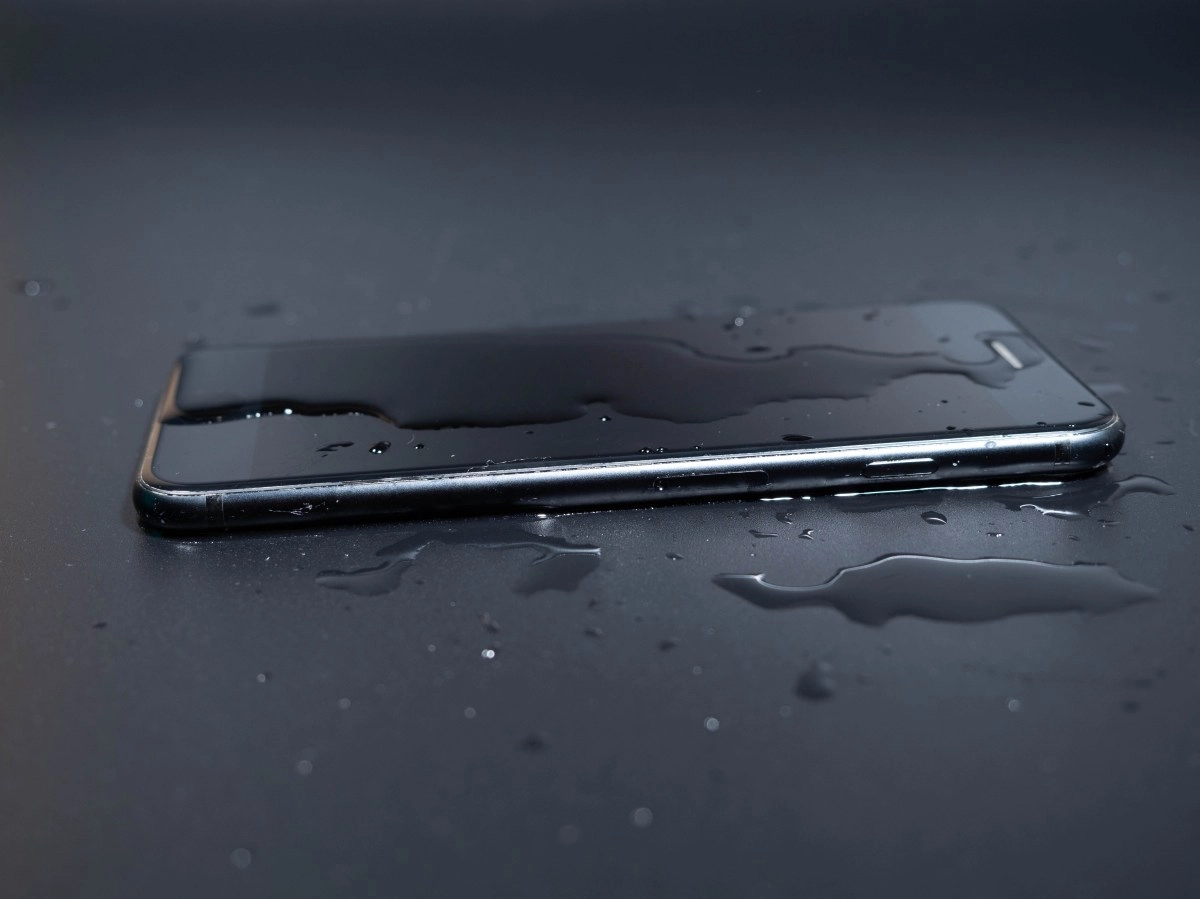

Even if your phone is IP67 or IP68 certified, it's not invincible. Water resistance is a help under laboratory conditions, not a guarantee for pressure showers, salt water, or pool chemicals.
If it gets wet, the priority is to eliminate the risk of short circuits and slow down corrosion: turn it off immediately, don't charge it, and avoid pressing buttons or shaking it hard. Patience and a good drying process can make the difference between a scare and an expensive repair.
Critical First Steps
The starting point is simple: turn off and unplug. Every second you're on with moisture inside increases the possibility of a short circuit on the board or connector. Remove the case, remove the SIM and microSD cards, and dry the exterior with a lint-free cloth, paying special attention to the slots and charging port.
If the device came into contact with salt, chlorinated, or soapy water, a brief rinse with running water is recommended to remove residue that accelerates corrosion; then dry carefully again. Place the device with the port facing down and gently tap it to help expel any liquid, and leave it in a well-ventilated area with fresh air, away from direct heat sources.
Avoid the classic mistakes: no hairdryers, ovens, microwaves, or compressed air. Heat can deform seals and force moisture inward; Pressurized air does the same thing in fractions of a second. Don't insert cotton swabs or paper into the connector either, because you'll leave fibers, potentially bend pins, and, worse, push water deeper. And yes, the rice myth needs to be debunked: it's not effective at extracting internal moisture and also leaves dust or grains that damage the port. Today, even manufacturers expressly advise against using rice and recommend waiting and airing it out.
Smart Drying and Times
For effective drying, the best ally is constant, fresh air. Place your phone in front of a fan or in an area with good air circulation, with the port facing down. If your phone displays a "liquid detected" alert in the connector, respect it: don't try to charge it until it disappears.A reasonable waiting period ranges from 30 minutes for a light splash to 24 hours (or more) if the device has been submerged or if the warning persists. The idea is to allow the moisture trapped in the connector and chambers to evaporate, without accelerating the process with heat.
If the device came into contact with seawater or pool water, residue is often left behind. On the edge of the port, you can clean it externally with a small amount of isopropyl alcohol applied to a cloth, never soaking it or inserting cotton swabs deeply. Kits with desiccant sachets (silica gel) are more helpful than rice because they control ambient humidity without contaminating the device. They're not magic, but they help when combined with good ventilation and time.
After the drying period, turn it on and test the essentials: the screen, touchscreen, cameras, and audio. If the speaker sounds muffled or distorted, or you see fogging on the lenses, there's still residual moisture; return to the ventilation phase. If charging fails or the system repeats the liquid warning, don't push the cable: wait and try again later. Charging with moisture in the connector accelerates corrosion and can render the port unusable.
IP67/IP68 Myths and Red Flags Revealed
It's a good idea to fully understand what the IP rating promises. In general, IP67/IP68 implies resistance to controlled immersion in freshwater for a limited time and depth, without strong movement and without chemical agents. Real life introduces shocks, seal wear, thermal changes, and exposure to salt or chlorine—all of which degrade the signal over time. That's why a "tough" phone right out of the box won't tolerate the same thing months later. And be careful, liquid damage is often outside the standard warranty, even with a high IP rating. Prevention—do not charge wet, do not use in water jets or in the sea without rinsing afterwards, do not expose to soap—is key.
After getting wet, pay attention to subtle signs. A liquid-in-port alert is a clear sign that you should wait. Muffled audio or strange vibrations, a foggy camera, ghosting on the screen, and intermittent charging indicate residual moisture. If symptoms persist after 24 hours of ventilation, seek professional diagnosis before corrosion progresses and turns a minor problem into a damaged board. In cases of contact with saltwater, acting quickly—power off, briefly rinse with fresh water, dry, and ventilate—drastically reduces the risk of sulfation.
For daily use, some habits go a long way. Avoid showering with your phone or using it in activities involving pressurized water. If you use it at the beach or pool, rinse with fresh water and dry it immediately. Don't rely on old caps or seals; If you notice a cap doesn't fit as it used to, replace it. And remember: if you see "liquid detected," the charger should wait. The combination of calm, ventilation, and time almost always wins.