

How to Unlock an iPhone if you forgot your password
Apple has mechanisms so you can regain access to your device if you forget your password
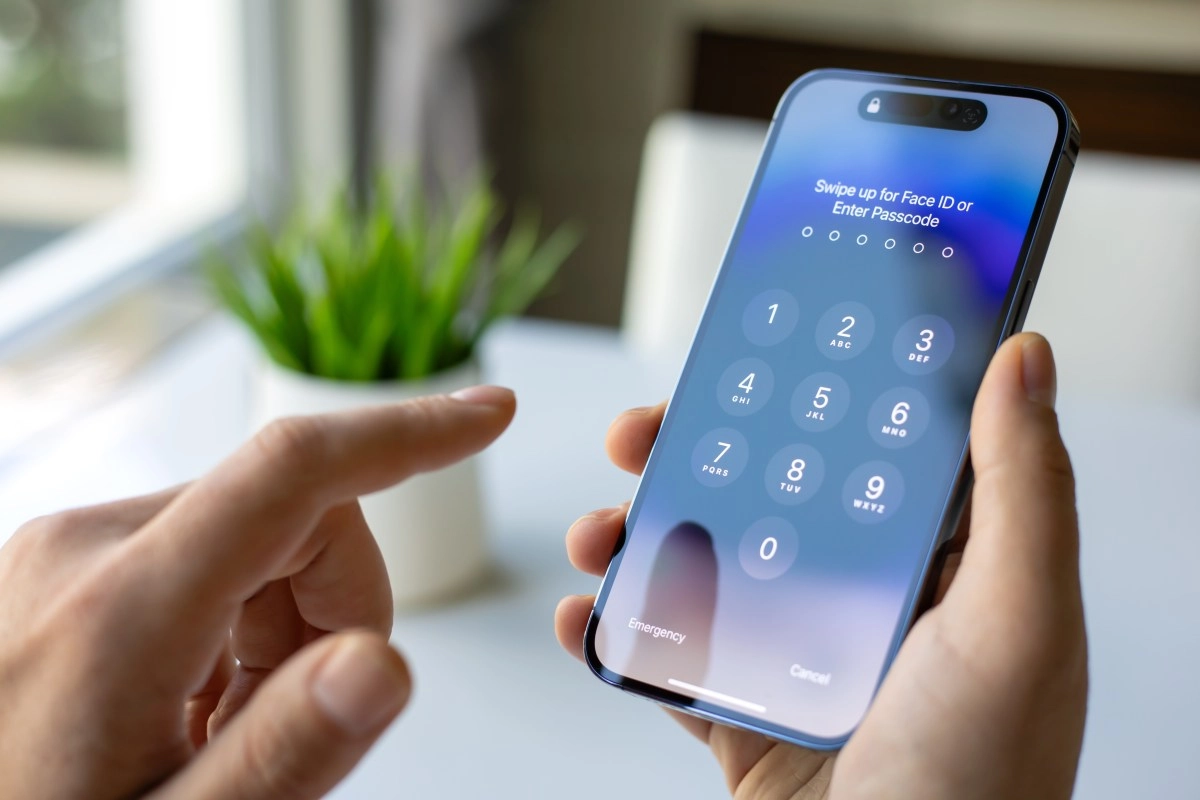

Forgetting your iPhone passcode is more common than you might think. It could happen for a number of reasons: you changed your passcode in a moment of inspiration and can't remember it the next day, or you left it with a family member and now you're locked out.
Fortunately, Apple knows this: that's why it includes several official mechanisms to recover access, ranging from options built into the device to methods using a computer and iCloud, without having to resort to dubious tricks.
Official ways to reset a locked iPhone without a passcode
Apple's official response is clear: if you've forgotten your passcode, you must reset your device, which involves erasing all content and then restoring from a backup, if you have one. But the ways to do this are varied and depend on your iOS version and the services you have activated.
For iPhones with iOS 15.2 or higher, when you enter the wrong passcode several times, two options appear on the screen: Forgot Password or Erase iPhone. By tapping it, the system allows you to restart the device from the same phone, without the need for a computer, as long as you have an internet connection and are logged in to your Apple ID.
If you're on iOS 17 or later, the process becomes even more agile thanks to the Passcode Reset feature: after several failed attempts, you can tap Forgot Passcode?, enter the previous password (valid for up to 72 hours), and change it without losing data. It's like a temporary respite from the dreaded Erasing.
But if for some reason you prefer or need to use a computer Mac or Windows you still have the option of Recovery Mode. Here, the typical path is to turn off the iPhone, activate it in recovery mode (by pressing buttons depending on the model: Home, volume, or side), and connect it to the device. The Finder (on modern Macs) or iTunes (on Windows or older Macs) will detect your device in recovery mode and present you with the option to Restore or Update. Restoring involves erasing all content, reinstalling iOS, and then setting up your iPhone as new or restoring a backup.
Unlock an iPhone from iCloud with Find My
Perhaps the most convenient option for many is to use iCloud and the Find My app, without the need for a cable or a computer. If you have Find My enabled on your iPhone and know your Apple ID, you can open iCloud.com from another device or use the Find My app from another iPhone or iPad. Selecting your device from “All Devices” and choosing “Erase iPhone” will initiate the remote erase process, removing the passcode and restoring it to its factory settings. Once erased, when you turn it on you’ll see the “Hello” screen, and you can restore from an iCloud backup or a local copy.
This procedure is quick and practically automatic, although it means you’ll lose everything that isn’t backed up. Of course, if you've already made regular backups to iCloud or iTunes, you'll recover almost everything without any problems.
The internet is full of third-party tools, such as PassFab, Tenorshare, and similar tools, that promise to unlock your iPhone without losing data, even if it's disabled. But the truth is, these services are risky and often don't work. Apple's protections are designed to be very robust, and there are no shortcuts without deleting content. The unanimous recommendation from experts is to stick to official methods.
What to do if you forgot your Restrictions or Screen Time passcode
Here the story is similar: if you forgot your Restrictions or Screen Time passcode, the only official way to recover it is to erase and restore your device. There are some software programs that claim to be able to recover it, but they aren't always effective and can put your personal data at risk. In these cases, it's still best to keep your backups up to date and avoid passwords you don't usually use.
Tips to never forget your iPhone password again
After going through this process which can take between 30 and 60 minutes there are several simple tips that can prevent you from having a bad time in the future:
Forgetting your iPhone code isn't the end of the world, although it can be a major scare at first. Apple has designed an ecosystem in which you can recover using several routes: either from the device itself if you have updated iOS, using a computer if you prefer, or remotely via iCloud. The key is to have a backup and know that, despite the inconvenience, there is always an official solution. And if it happens to you, don't torture yourself: breathe, choose the path you prefer, and focus on using your iPhone again as soon as possible.