

Gmail is filling up with spam and it's not your fault: what's happening with the spam filter
A flaw in Gmail's spam detection system is causing users' inboxes to fill up with spam
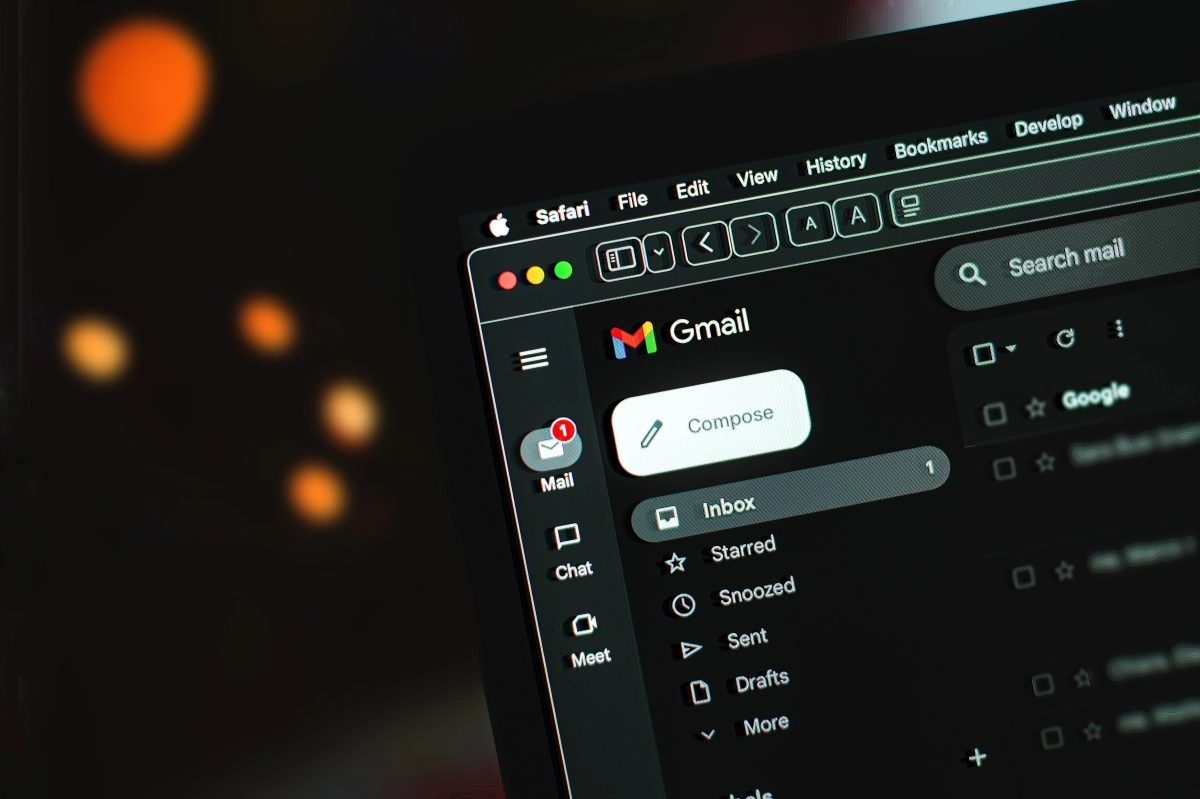

If you recently opened Gmail and felt like your inbox had become a dumping ground for promotions, strange newsletters, and potential scams, you're not paranoid: you're not alone. In the last few hours, many users are reporting that emails that previously went directly to "Spam" (or at least to the Promotions/Updates tabs) are now appearing as if they were important messages in the main inbox. The problem doesn't seem to be "you were specifically targeted" or "spammers magically got smarter overnight." What's happening, according to reports and what Google has already acknowledged, is that Gmail is experiencing a flaw in its automatic filtering and classification system, which is letting messages through that would normally be evaluated and sent to the correct place. What's going on with spam in Gmail? The clearest sign is this: promotional emails are appearing in the Inbox as if they were a priority, bypassing filters and also the tabs that normally "contain" that kind of spam. It's not just an aesthetic annoyance; The real risk is that, amidst all this junk, phishing or messages with malicious links that Gmail would have previously blocked slip through.
In addition, several people are seeing a warning within Gmail above certain emails, a banner that basically says "be careful" because Gmail didn't finish scanning the message for spam or malware (or didn't perform those checks as it should). In other words: the security guard is at the entrance, but for a while, it stopped checking credentials.
And since chaos loves chaos, this also affects users' mental "routine": if you get used to Gmail filtering well, you let your guard down. That's precisely why these kinds of glitches feel so dangerous.
Why it happens (and why it's a glitch)
The important thing here is not to fall into the simplistic explanation of "Gmail no longer works." Gmail uses a set of automated systems to analyze each email: sender reputation, typical spam patterns, content, User behavior (what they report as spam),and internal rules for deciding whether something goes to Primary, Promotions, or Junk. When one of these systems breaks down or becomes "unsynchronized," what you're seeing happens: messages that would normally be blocked or redirected slip through as if they were legitimate, and the user becomes the manual filter (the worst possible experience). Google even acknowledged the problem in its Workspace Status Dashboard and warned that some users will see banners indicating that these anti-spam checks are not being applied. That's key: it's not that you suddenly changed a setting by mistake (although that sometimes happens), but rather that there's an incident impacting the normal functioning of the filtering. And yes: when the spam system "lowers its intensity" or simply stops running, your inbox fills up.
What can you do while Google fixes it?
While Google finishes stabilizing the system, it's time to go back to basics, but with intention (and a little bit of healthy mischief).
If you're experiencing this, the best thing you can do today is operate in "verification mode": less automatic clicks, more checking of the sender, links, and context. It's not ideal, but in a filtering failure, the user ends up being the last line of defense.