

Your Gmail is full of junk mails and there's a very simple way to get rid of them all
Gmail has a trick that makes it easier to delete all mails from platforms on which you are subscribed.
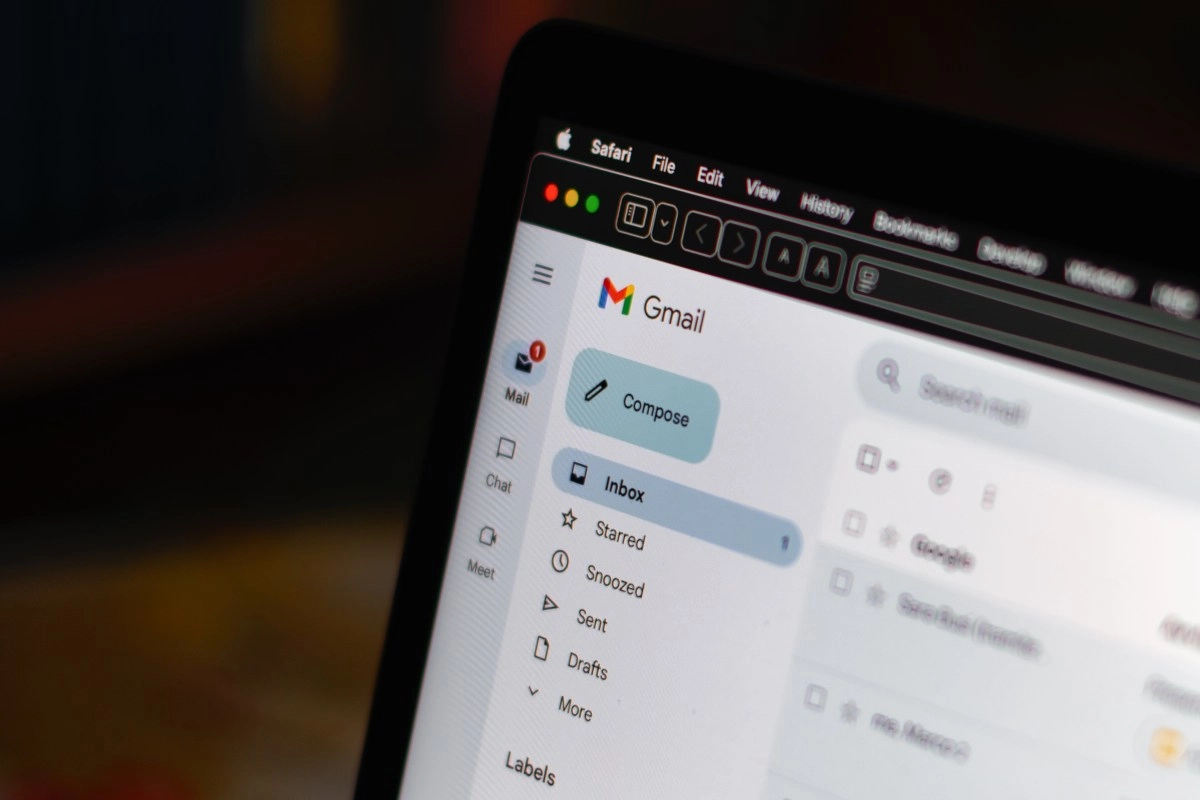

If you open your inbox and the first thing you see is an avalanche of newsletters, promotions and notifications from platforms that you don't even remember s have used, you are not alone. Millions of people live with overflowed Gmail, not because they're disorganized, but because over the years They have left their email on dozens of websites, online stores, apps and services that never stop sending messages. The good news is that Google has a feature that allows you to see all of those subscriptions at once and cancel them in seconds, without having to search for mail.
The address bar trick that changes everything
Here comes the fact that you probably didn't know. When you open Gmail from your webbrowser, the address that appears ends with the word inbox, which is the view of your inbox a. What few people know is that if you delete that part and replace it with sub, Gmail takes you directly to a special screen where you can see all the platforms to which you are subscribed.
It's not magic, it's a function that Google has been developing for some time and that shows in an orderly manner each sender that has been sending you emails regularly. The list includes the name of the platform or service, the address of the mail from the one they write to you, and something very useful, the total amount of messages that you have received from each one. So you can see at a glance what that service has been flooding your inbox with 200 emails without you realizing.
The best of all is that next to each subscription a button appears to unsubscribe directly from that screen. You don't have to open each email, look for the tiny “unsubscribe” link at the end of the text don't wait for the website to redirect you to an endless form. Gmail takes over the process for you, asks a quick confirmation and that's it, that platform disappears from the list and stops your mail from cluttering up.
How to use “Manage subscriptions” from the Gmail menu
If for some reason the address bar trick doesn't work for you immediately, there is another equally effective route. Within Gmail, both in the web version and in the Android app, there is the “Manage subscription” option iptions” that Google has been activating progressively in the accounts. To find it in the browser, you just have to click on the “More” option that appears in the left side panel of your inbox.
Once inside, the function is identical, a complete list with all the senders who send emails to you on a periodic basis, organized and easy to-read. You can order this list according to the quantity of emails received, which is especially It's useful to identify who is the biggest culprit for the disaster in your tray. If there are any services that you don't want anymore know nothing, press the button with the envelope icon with a minus sign, confirm that you want to unsubscribe and that's all.
In the Android version, the path is just as direct. You open the menu from the three bars that are at the top left of the screen, and the “Manage subscriptions” or “Manage” option ionize subscriptions” appears right there, below the Trash section. You don't need to install any extra apps or pay for any third-party services, Gmail has everything integrated natively.
Why it's worth taking five minutes to clean your mail
Having your mail filled with junk isn't just a aesthetic problem, it has real consequences. Every time you open Gmail and see 500 unread messages, your brain receives a chaos signal that affects your concentration and your productivity. In addition, Gmail has a storage limit of 15GB which is shared between Drive, Photos,and mail, and newsletters accumulated over the years can eat up a significant portion of that space without you even realizing it.
Doing this cleaning once a month can completely transform your email experience. Instead of opening it lazily and closing it without having replied anything important, you turn it into a tool lie that really works for you. Canceling 20 or 30 subscriptions in a single five-minute session is perfectly possible with this feature, and the effect on your inbox is noticeable from the next day.